
|
Do it yourself
| |||
| ||||


How do you reset the Smart 453 Service light?
Model: Smart Smart
- Years 2014-2021
In order to reset the Smart 453's Service light, you need to insert the key into its ignition lock, so that the instrument panel can be turned on. Once this has been turned on, you can scroll within its menu using the arrow keys located on the left spoke of the steering wheel: you will need to reach the option that indicates the days left for maintenance. At this point you will have to hold down the OK button which is always on the left spoke, so that you can completely reset the warning light. After the reset, the instrument panel can be switched off.
Posted on 26 January 2023 by ScegliAuto
Video tutorial
Related tutorials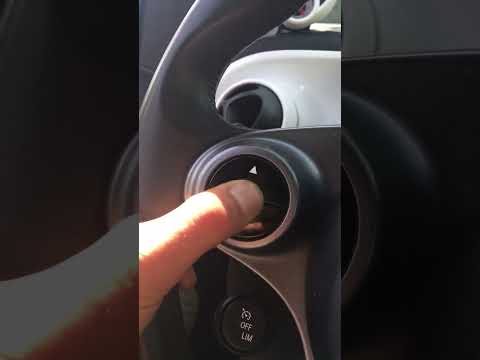
Smart
(2014-2022 /
453)
The operation to reset the Service light on the Smart 453 is performed by inserting the key into the ignition and turning it to turn on the instrumen…

Smart
(2014-2022 /
453)
From the instrument panel of the Smart 453, it will be possible to make the Service light disappear by inserting the key into the corresponding ignit…

Smart
(2014-2022 /
453)
On the instrument panel of the Smart 453, it will be possible to completely make the Service light disappear by inserting the key into the ignition s…
Other guides you may be interested in
|
How to Replace the Bulbs on a Nissan Almera Rear Light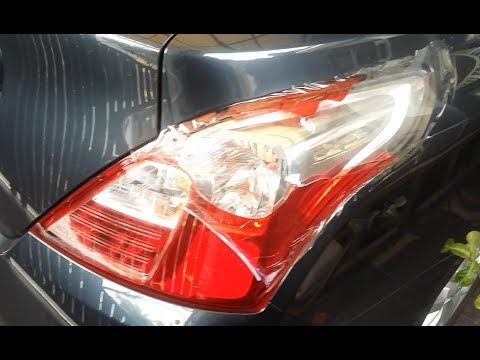
Do you want to change the damaged bulb of a rear light on a Nissan Almera? Follow this video carefully to proceed correctly. Open the boot, remove the fabric side covering, and detach the plastic rivets on the covering. Unscrew the retaining bolts of the rear light using a socket spanner. Once the light is free from the bolts, pull the rear light out of the metal housing, then disconnect the power cable. Place the stop light on a comfortable surface and replace all worn bulbs. To refit the rear light, position it in its housing and tighten all screws after reconnecting the lighting connector. by ScegliAuto More videos
|

For advertising on this site Write to info@scegliauto.com
ScegliAuto is not responsible for any inaccuracy of the data in the lists. To report any inaccuracy or your business (if you own the business in question), please write to info@scegliauto.com
Number of seconds to generate the page: 0.115
(c) ScegliAuto 2026 - info@scegliauto.com - Privacy policy VAT number: IT01247470535 |
