
|
Do it yourself
| |||
| ||||


How to remove the front bonnet of the Smart?
Model: Smart Smart
450
- Years 1998-2007
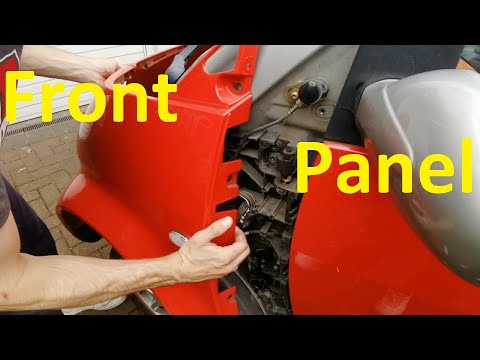
To remove the front bonnet of the Smart, open the doors so that you can loosen the fixing bolts of the bonnet located at the bottom of the corresponding pillars: once these screws have been loosened, you will need to pry off the front grille, loosening the two additional screws underneath and unscrewing the screws located at the bottom of the bumper. When all these screws have been loosened, you will be able to completely detach the front bonnet, allowing access to the components underneath.
Updated on 10 July 2026 by ScegliAuto
Video tutorial
Related tutorials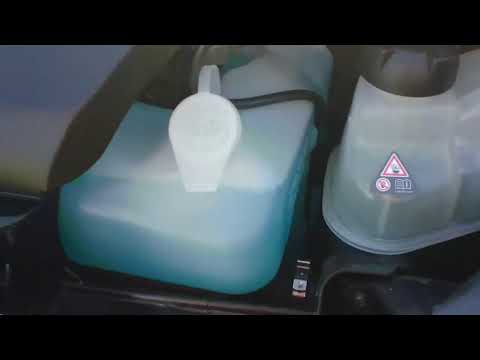
Smart
(2007-2015 /
451)
Before you begin, exit the cabin of your Smart ForTwo and head to the front of the car. Start by releasing the catches located inside the front grill…

Smart
(2003-2005 /
Roadster, 452)
To open the front bonnet of a Smart Roadster, access the cabin and locate the lever just below the glove compartment on the passenger side. Once this…
Smart
(1998-2007 /
450)
To remove the front bonnet of the Smart, open the doors to access the bolts securing the bonnet located at the bottom of the corresponding pillars: o…
Other guides you may be interested in
|
How to reset the tyre pressure warning light on the Suzuki Jimny?
To reset the tyre pressure warning light on the Suzuki Jimny, first inflate the tyres to the pressure value indicated on the corresponding sticker: this is located at the bottom of the driver's door pillar. Once the tyres are inflated, insert the ignition key and turn on the instrument panel: select the screen that indicates the tyre pressures, checking that the values change. After a few seconds, the tyre pressure warning light will automatically turn off. by ScegliAuto More videos
|
|
For advertising on this site Write to info@scegliauto.com
ScegliAuto is not responsible for any inaccuracy of the data in the lists. To report any inaccuracy or your business (if you own the business in question), please write to info@scegliauto.com
Number of seconds to generate the page: 0.308
(c) ScegliAuto 2026 - info@scegliauto.com - Privacy policy VAT number: IT01247470535 |
