
|
Do it yourself
| |||
| ||||


To reset the service light on the Smart Fortwo 2015.
Model: Smart Smart
453
- Years 2014-2022
In this new mini guide dedicated to all owners of a 2015 Smart Fortwo, we will discover together the steps to take if you want to manually reset the service light that continues to stay on the dashboard, even after a regular service has been performed. First, go inside your car and turn on the ignition. Then, use the arrow buttons to navigate through the onboard menu and find the "Messages and service" option. Now, hold down the "OK" button until the reset is complete.
Posted on 17 September 2023 by ScegliAuto
Video tutorial
Related tutorials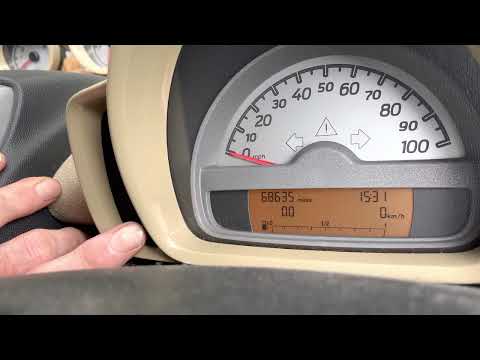
Smart
(2007-2015 /
451)
In the following guide dedicated to your Smart ForTwo 451 (2007-2015) we will give you all the necessary information so that you can manually reset t…
Smart
(2007-2015 /
451)
Whenever your car is serviced, the service warning light must be manually reset to eliminate it permanently. Below we will find out together how to p…

Smart
(2014-2022 /
453)
In this new guide aimed at those of you who own a 2014 Smart Fortwo, we will discover how to manually reset the service light that continues to remai…
Other guides you may be interested in
|
Resetting the Tyre Pressure Light on a Fiat 500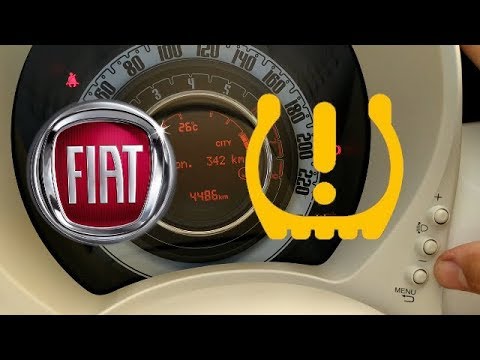
In this brief and simple video tutorial, you will learn how to reset the tyre pressure warning light on a Fiat 500. First, get into your vehicle and navigate to the menu by pressing the appropriate button: go to the tyre pressure option and click again. Then click 'yes' again, and it will automatically perform the procedure to reset the tyre pressure warning light! Remember, before carrying out this operation, check for any faults with the tyres: resolve the issue and then reset the light! by ScegliAuto More videos
|

|
For advertising on this site Write to info@scegliauto.com
ScegliAuto is not responsible for any inaccuracy of the data in the lists. To report any inaccuracy or your business (if you own the business in question), please write to info@scegliauto.com
Number of seconds to generate the page: 0.056
(c) ScegliAuto 2026 - info@scegliauto.com - Privacy policy VAT number: IT01247470535 |
