
|
Do it yourself
| |||
| ||||


How to Charge the Smart EQ
Model: Smart Smart
451
- Years 2007-2015
Learn how to charge the Smart EQ. You can do this using a Wallbox, connecting it to the car with the supplied cable. The indicator on the connector will flash until it turns green, signalling the charging status. Once charging is complete, unlock the vehicle with the remote key to remove the cable. You can also use a household socket with the same procedure. To charge the Smart from a roadside charging point, first download the "Smart ready to" app from Playstore or Appstore, create an account by entering your details including the registration number and a password, and choose your payment method: either Mobility pack or credit card. When you reach the charging point, scan your card, connect the vehicle with the supplied cable, and the app will provide the charging status and cost. Once charging is complete or interrupted via the app, disconnect the cable.
Updated on 30 August 2026 by ScegliAuto
Video tutorial
Related tutorials
Smart
(2007-2015 /
451)
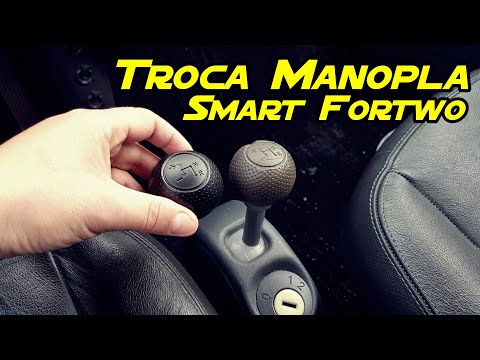
Today we will discover the instructions that will allow us to disassemble and replace the third brake light bulb of the Smart Fortwo in simple steps.…
Smart
(2004-2006 /
454, Fourfour1)
Before you begin, sit in the driver's seat of your Smart ForTwo. To carry out this removal safely, it is strongly recommended to switch off the engin…
Smart
(2007-2015 /
451)
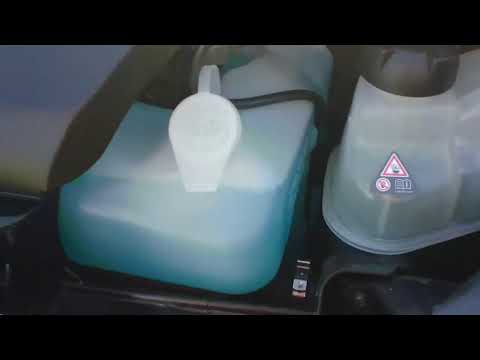
Before you begin, exit the cabin of your Smart ForTwo and head to the front of the car. Start by releasing the catches located inside the front grill…
Other guides you may be interested in
|
Frequently Asked QuestionsHow to Set the Clock on the Opel Zafira
Setting the clock to the current Italian time on an Opel Zafira model B is a very simple operation, also made easier by our short instructional video. The first step is to turn on the instrument panel and then press the SETTING button located on the central dashboard. Once inside the menu, use the buttons to navigate to the clock setting. Adjust the hours and minutes and restart the instrument panel. If the clock does not update, it may be necessary to diagnose the radio or the vehicle's control unit. by ScegliAuto More videos
|

|
For advertising on this site Write to info@scegliauto.com
ScegliAuto is not responsible for any inaccuracy of the data in the lists. To report any inaccuracy or your business (if you own the business in question), please write to info@scegliauto.com
Number of seconds to generate the page: 0.119
(c) ScegliAuto 2026 - info@scegliauto.com - Privacy policy VAT number: IT01247470535 |
