
|
Do it yourself
| |||
| ||||


How to Program the Key for a Smart?
Model: Smart Smart
450
- Years:
1998, 1999, 2000, 2001, 2002, 2003, 2004, 2005, 2006, 2007
Video tutorial
You can perform the key programming operation on a Smart by inserting the ignition key into the ignition barrel and then turning it to switch on the dashboard: once the key to be programmed is inserted, connect a scanner to the vehicle's OBD port. This is located under the steering column, and once the scanner is connected, follow the instructions on the screen: by selecting the car model and its version, you can proceed with the programming, finally disconnecting the device from its port.
Posted on 5 September 2026 by ScegliAuto
Related tutorials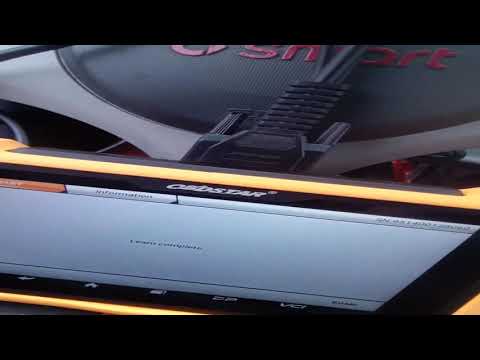
Smart
(2004-2006 /
454, Fourfour1)
When the battery of the Smart 454 ignition key runs low and needs replacing, it may be necessary to program its code; otherwise, the ECU will not rec…
Smart
(2007-2015 /
451)
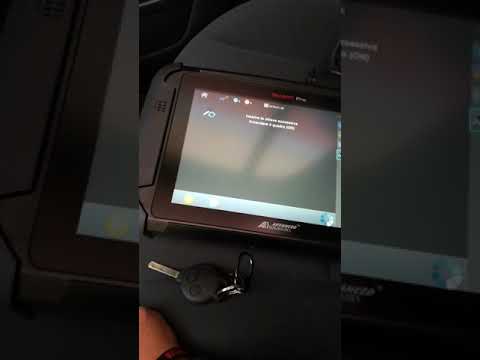
If you need to program a second key for your vehicle, follow the instructions in this description and refer to the images in the video. First, connec…
Smart
(2014-2022 /
453)
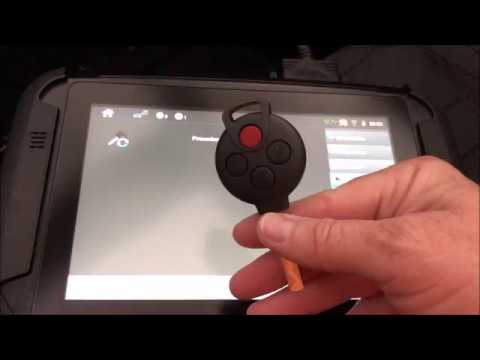
To programme the Smart key, insert the new key you want to associate with the car's control unit into the ignition switch: once the key is inserted, …
Other guides you may be interested in
|
Frequently Asked QuestionsHow to Remove the Telepass from the Windscreen?
To remove the Telepass from the car's windscreen, use a very thin wire. Insert it between the device's attachment and the windscreen itself: the Telepass is fixed to the inner part of the windscreen using adhesive. Once the wire is inserted, move it laterally and vertically to ensure the adhesive is consumed. When the adhesive has been consumed, you can completely detach the Telepass from its housing and then clean the area. by ScegliAuto More videos
|
|
For advertising on this site Write to info@scegliauto.com
ScegliAuto is not responsible for any inaccuracy of the data in the lists. To report any inaccuracy or your business (if you own the business in question), please write to info@scegliauto.com
Number of seconds to generate the page: 0.074
(c) ScegliAuto 2026 - info@scegliauto.com - Privacy policy VAT number: IT01247470535 |
