
|
Do it yourself
| |||
| ||||


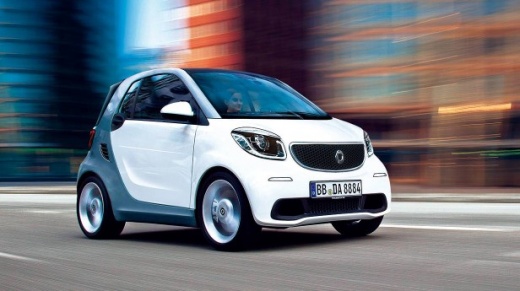
How to programme the Smart key?
Model: Smart Smart
453
- Years:
2014, 2015, 2016, 2017, 2018, 2019, 2020, 2021, 2022
Video tutorial
To programme the Smart key, insert the new key you want to associate with the car's control unit into the ignition switch: once the key is inserted, connect a diagnostic tool to the vehicle's OBD port, located under the steering column. After the scanner is connected, you can select the car model in question and its corresponding version: by following all the instructions shown in the video, you will be able to associate the key. This way, you can verify that the new key functions correctly.
Updated on 1 August 2026 by ScegliAuto
Related tutorials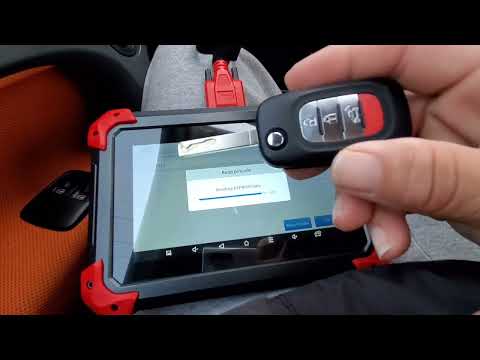
Smart
(2014-2022 /
453)
To programme the key for the Smart, insert the virgin key into the ignition barrel of the car and turn it to position two to activate the instrument …
Smart
(2007-2015 /
451)
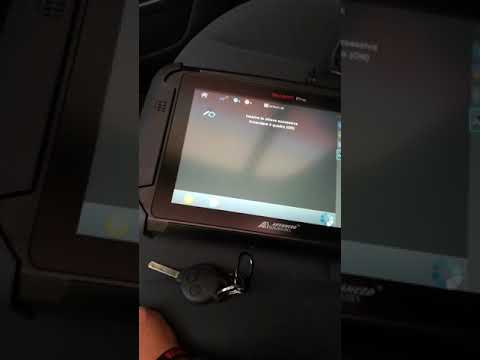
If you need to program a second key for your vehicle, follow the instructions in this description and refer to the images in the video. First, connec…

Smart
(2014-2022 /
453)
It will be possible to program the new Smart key by inserting the virgin key into the corresponding ignition switch. Once the key has been turned, a …
Other guides you may be interested in
|
Frequently Asked QuestionsHow to Open the Fuel Filler Flap in the Hyundai i30?
In this tutorial, you will learn how to open the fuel filler flap in the Hyundai i30, a very simple operation that follows the typical procedure of most vehicles. First, unlock the locks using the designated button on the remote, then open the driver's door, locate the release lever on the left side of the seat, and operate it. Next, move to the fuel filler flap, open it completely, unscrew the cap, and refuel as needed. To close the flap, simply press it gently. by ScegliAuto More videos
|
|
For advertising on this site Write to info@scegliauto.com
ScegliAuto is not responsible for any inaccuracy of the data in the lists. To report any inaccuracy or your business (if you own the business in question), please write to info@scegliauto.com
Number of seconds to generate the page: 0.065
(c) ScegliAuto 2026 - info@scegliauto.com - Privacy policy VAT number: IT01247470535 |
