
|
Do it yourself
| |||
| ||||


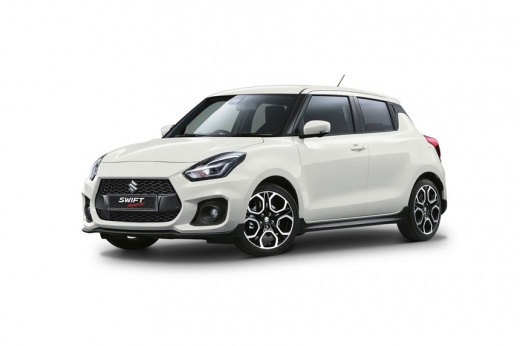
How to Reset the Tyre Warning Light on a Suzuki Swift?
Model: Suzuki Swift
MK 6, A2L
- Years:
2017, 2018, 2019, 2020, 2021, 2022, 2023, 2024
Video tutorial
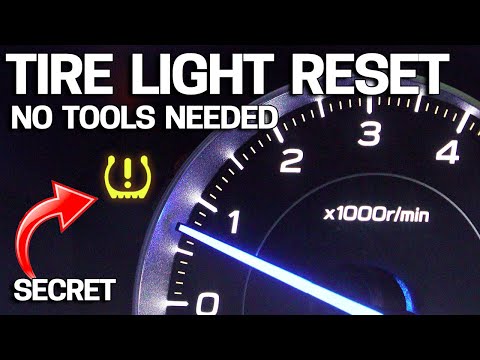
The activation of the tyre warning light is mainly due to one or more deflated tyres, but it could also be caused by a puncture. In the latter case, a visit to the garage is unavoidable, but in the first case, as explained in the video, it is sufficient to bring the tyre pressure back within the manufacturer's specified parameters and proceed to reset the warning light. After turning on the instrument panel, press the button below the odometer several times until you reach the TPMS option, press it, and then select the Unladen option. Once completed, simply drive a few metres with the car to confirm that everything is okay.
Posted on 6 April 2026 by ScegliAuto
Related tutorials
Suzuki Swift
(2024-2026 /
MK 4)
The utility vehicle we want to know how to reset the tire warning light for is the one visible in the video review, namely the 2025 Suzuki Swift. We …
Suzuki Swift
(2010-2017 /
AZG, MK 5, Rs41)
If the tyre warning light comes on the instrument panel of your Suzuki Swift, you can watch the posted video, which details, also with verbal descrip…

Suzuki Swift
(2010-2017 /
AZG, MK 5, Rs41)
When the TPMS light activates on a Suzuki vehicle, it means you need to check the tyre pressure. The correct tyre pressure varies depending on the mo…
Other guides you may be interested in |
Frequently Asked QuestionsHow to Open the Hood of the BMW X3
Today, you will learn how to open and close the hood of the BMW X3. To perform this simple operation, lift the hood release lever located next to the door seal on the driver’s side. After pulling the lever, you will notice that the hood will lift slightly. Position yourself in front of the hood and lift it after moving the internal lever from left to right. To keep the hood secure during maintenance, use the side support rod. To close the hood, simply let it fall back into place. by ScegliAuto More videos
|
|
For advertising on this site Write to info@scegliauto.com
ScegliAuto is not responsible for any inaccuracy of the data in the lists. To report any inaccuracy or your business (if you own the business in question), please write to info@scegliauto.com
Number of seconds to generate the page: 0.010
(c) ScegliAuto 2026 - info@scegliauto.com - Privacy policy VAT number: IT01247470535 |
