
|
Do it yourself
| |||
| ||||


How to Reset the Service Light on the Suzuki Swift?
Model: Suzuki Swift
MK 4, Rs41
- Years 2004-2010
The correct sequence to reset the service light is as follows: turn on the instrument panel, press and hold the button to the right of the odometer to access the Settings, rotate the same button to the right to select the Reset Oc option, and finally press the aforementioned button again for another five seconds, thereby authorising the deletion of the warning. It should be noted that before proceeding with the reset, all routine maintenance operations specified in the vehicle's user and maintenance manual must have been carried out.
Posted on 22 April 2026 by ScegliAuto
Video tutorial
Related tutorials
Suzuki Swift
(2017-2024 /
MK 6, A2L)
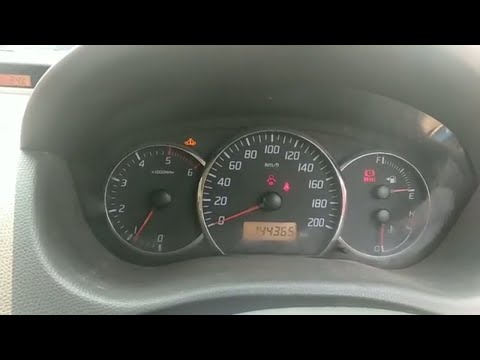
On the Suzuki Swift, the maintenance interval and oil change reset is done from the instrument cluster. With the Suzuki Swift stationary and the engi…
Suzuki Swift
(2004-2010 /
MK 4, Rs41)
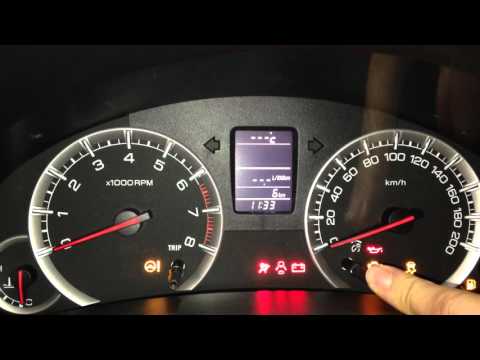
To reset the Service light on a Suzuki Swift, there is no procedure that can be executed from the onboard computer settings. You will need to connect…
Suzuki Swift
(2004-2010 /
MK 4, Rs41)
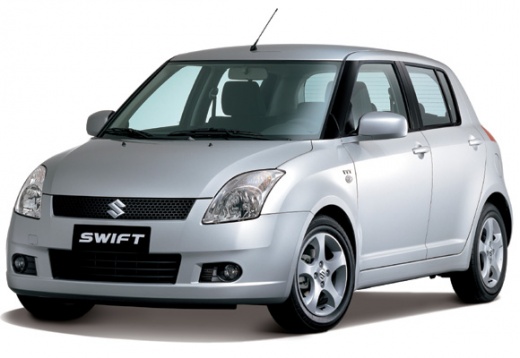
Reset the service light on a Suzuki Swift? Here's how to reset the oil service warning light. Turn on the instrument cluster of the Suzuki with the k…
Other guides you may be interested in |
How to Replace the External Wing Mirror on a Ford C MAX
In the event of a breakage, it will be necessary to replace the external wing mirror on the 2011 Ford C MAX. This operation is easily performed independently. Start by removing the internal cover of the mirror with a plastic lever. Then, use a socket wrench to remove the securing pins. Once the pins are removed, you can take off the mirror, but not before disconnecting the power connectors. Then proceed to fit the new mirror. First, connect the connectors and then secure the mirror to its housing with the pins. Refit the plastic cover and test the operation of the electric mirror using the controls. by ScegliAuto More videos
|
|
For advertising on this site Write to info@scegliauto.com
ScegliAuto is not responsible for any inaccuracy of the data in the lists. To report any inaccuracy or your business (if you own the business in question), please write to info@scegliauto.com
Number of seconds to generate the page: 0.623
(c) ScegliAuto 2026 - info@scegliauto.com - Privacy policy VAT number: IT01247470535 |
