
|
Do it yourself
| |||
| ||||


Engine Oil Change on Sym Orbit 125
Model: Sym Orbit 125
Video tutorial
In this tutorial, learn how to change the engine oil as part of the regular maintenance service on a Sym Orbit 125 scooter. First, position the scooter on its centre stand and then unscrew the oil drain bolt located under the engine; use a socket spanner to loosen the bolt. Allow all the oil to drain into a container and wait about ten minutes before tightening the bolt; then insert the new oil into the designated fill hole and fill it up to the maximum level!
Updated on 27 April 2026 by ScegliAuto
Related tutorials
Orbit 125
In this tutorial, you will see how to change the engine oil in the SYM Orbit 125 scooter, a very simple and quick operation to be performed annually.…
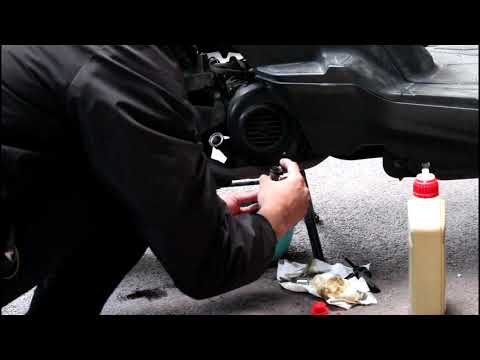
Orbit 125
To change the engine oil on the Sym Orbit 125, loosen the oil drain plug located at the bottom of the bike, just in front of the exhaust. Once the pl…
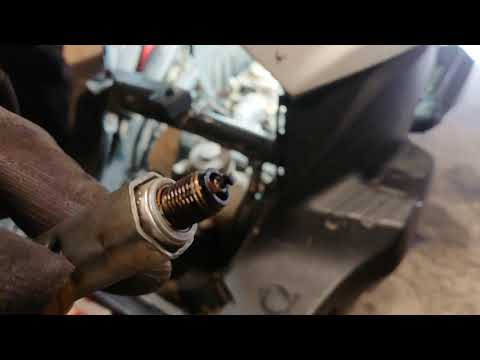
Orbit 125
This guide provides instructions on how to remove and replace the spark plug of the Sym Orbit 125 scooter engine. First, place your scooter on the ce…
|
How to Change the Engine Oil on a Keeway Sip 125
To change the engine oil on a Keeway Sip 125, loosen the bolt securing the drain plug located at the bottom centre of the bike. Once removed, you can collect all the used oil in a suitably positioned container. After the oil has drained out, close the drain plug and top up the oil: this should be done by pouring oil into the breather located on the right side of the bike; this way, you can insert the necessary amount of oil and close the cap. by ScegliAuto More videos
|
|
For advertising on this site Write to info@scegliauto.com
ScegliAuto is not responsible for any inaccuracy of the data in the lists. To report any inaccuracy or your business (if you own the business in question), please write to info@scegliauto.com
Number of seconds to generate the page: 0.007
(c) ScegliAuto 2026 - info@scegliauto.com - Privacy policy VAT number: IT01247470535 |
