
|
Do it yourself
| |||
| ||||


How to reset the service light on a Tata Tigor.
Model: Tata Tigor
MK 1
- Years 2017-2024
The procedure for resetting the maintenance light on a Tata Tigor car requires a few simple steps. First, we get into the car, insert the key into the appropriate slot, and turn it to the first position to turn on the instrument panel without starting the vehicle. At this point, we will use the buttons located at the base of the instrument panel display. We then press the mode button several times until we select the car's km; then we press the set button and hold it down until the km starts flashing. We release the set button when the km becomes fixed and repeat the last procedure: press and hold the set button until the km starts flashing, release the button, and press it again. At this point, the service light will disappear.
Posted on 26 June 2023 by ScegliAuto
Video tutorial
Related tutorials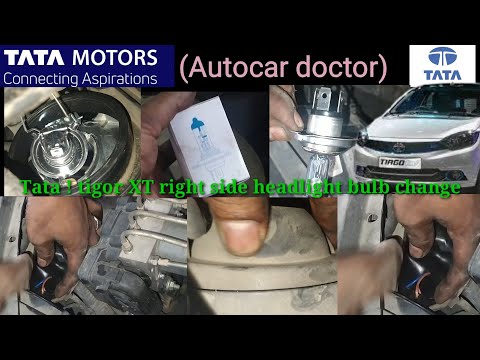
Tata Tigor
(2017-2024 /
MK 1)
In this short and simple guide we will see how to disassemble and replace the bulb of the front light of the Tata Tigor, following the instructions b…

Tata Tigor
(2017-2024 /
MK 1)
The guide shows how to replace the rear taillight, located on the trunk lid, of the Tata Tigor. After removing the interior finishing panel of the tr…

Tata Tigor
(2017-2024 /
MK 1)
In order to replace the rear light of the Tata Tigor you have to open the hood, so that you have access to the inside of the trunk in correspondence …
Other guides you may be interested in
|
Removing the Drive Shaft on a Fiat Panda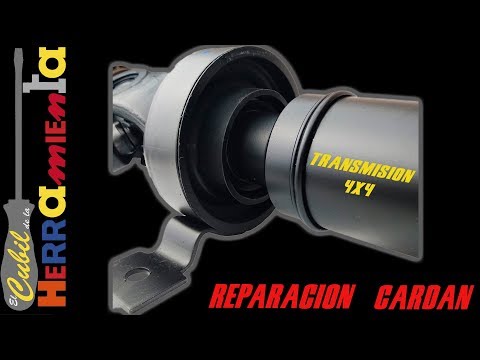
Learn how to remove the drive shaft on a Fiat Panda. Lift the car on a column lift and locate the drive shaft. Using a socket spanner, undo the securing bolts on either side of the drive shaft (remove the bolts around the plates) where it is situated. Once the part is removed, take it out of the vehicle (replace it with a new drive shaft). Finally, refit the new drive shaft (connect it on both sides) and tighten the appropriate bolts. Lower the car and test its proper functioning. by ScegliAuto More videos
|

|
For advertising on this site Write to info@scegliauto.com
ScegliAuto is not responsible for any inaccuracy of the data in the lists. To report any inaccuracy or your business (if you own the business in question), please write to info@scegliauto.com
Number of seconds to generate the page: 0.098
(c) ScegliAuto 2026 - info@scegliauto.com - Privacy policy VAT number: IT01247470535 |
