
|
Do it yourself
| |||
| ||||


How to adjust the clock on the instrument panel of the Toyota Avalon
Model: Toyota Avalon
Xx30
- Years 2005-2012
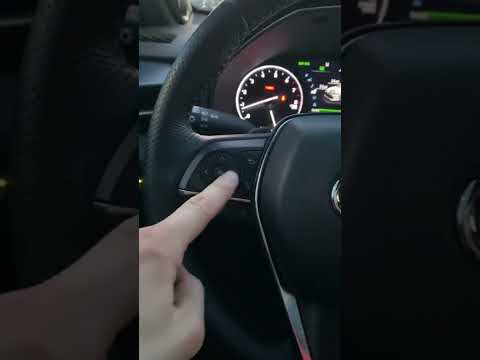
Setting the clock of the Toyota Avalon is a very simple operation; the clock in question can be adjusted manually or automatically using the signals from the Global Positioning System. To set the clock, turn on the ignition switch and press the "info" button on the control panel to display the information menu. Select the "adjust clock" option, then select the "time zone" option and press enter to set it; press OK and activate the "automatic adjustment" by selecting the "on" option and pressing enter; return to the main menu and restart the instrument panel.
Posted on 1 June 2025 by ScegliAuto
Video tutorial
Related tutorials
Toyota Avalon
(2005-2012 /
Xx30)
The clock of Toyota vehicles may need to be adjusted even when replacing the vehicle's battery, not just at the time change. Adjusting the clock of t…

Toyota Avalon
(2000-2004 /
Xx20)
In order to deactivate the traction control of the Toyota Avalon, you need to turn on the instrument panel by inserting the ignition key into the cor…
Toyota Avalon
(2019-2022 /
Xx50)
In order to reset the Service light of the Toyota Avalon, you need to turn on the instrument panel, navigate to the relevant menu using the side arro…
Other guides you may be interested in
|
How to Set the Clock on the Opel Zafira
Setting the clock to the current Italian time on an Opel Zafira model B is a very simple operation, also made easier by our short instructional video. The first step is to turn on the instrument panel and then press the SETTING button located on the central dashboard. Once inside the menu, use the buttons to navigate to the clock setting. Adjust the hours and minutes and restart the instrument panel. If the clock does not update, it may be necessary to diagnose the radio or the vehicle's control unit. by ScegliAuto More videos
|
|
For advertising on this site Write to info@scegliauto.com
ScegliAuto is not responsible for any inaccuracy of the data in the lists. To report any inaccuracy or your business (if you own the business in question), please write to info@scegliauto.com
Number of seconds to generate the page: 0.089
(c) ScegliAuto 2026 - info@scegliauto.com - Privacy policy VAT number: IT01247470535 |
