
|
Do it yourself
| |||
| ||||


|
Model: Triumph Tiger 900
In this tutorial, you will learn how to reset the service on the Triumph Tiger 900, a very simple and quick operation to perform only after completing the required scheduled maintenance work. You will also need the "OBDLink" device shown in the video. Start by connecting it to the appropriate socket accessible from the battery compartment, then turn on the instrument panel and interface it with the application installed on your smartphone. Next, go to the "Tests & Adjustments" section accessible from the "ECU" menu, enter "Adjustments" and select "Reset service interval". At this point, simply restore the interval, confirm your choice, and restart the instrument panel.
Updated on 19 August 2026 by ScegliAuto
Video tutorial
Related tutorials
Tiger 900
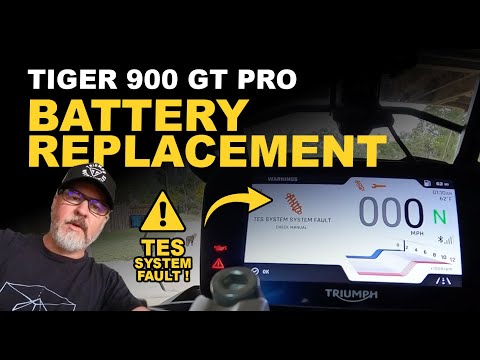
To reset the service light on the Triumph Tiger 900, loosen the screws securing the seat: once removed, you will find the OBD port underneath, which …
Tiger 900
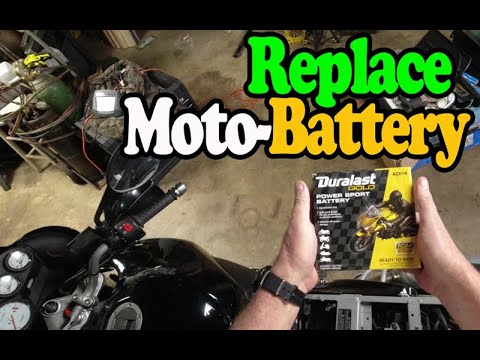
The procedure for replacing the battery on the Triumph Tiger 900 involves loosening the screws that secure the seat to its housing, allowing it to be…
Tiger 900
To replace the battery on the Triumph Tiger 900, loosen the screws that secure the seat to its housing so that it can be lifted to access the compone…
|
How to Reset the Engine Oil Light on a Yamaha XMax 250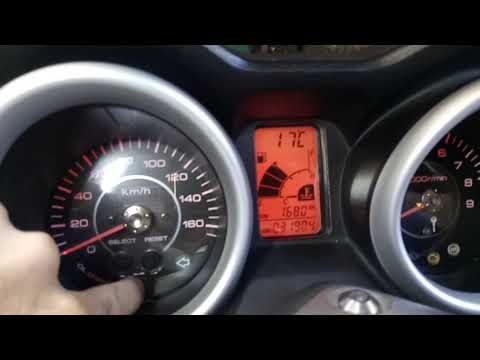
This short video demonstrates the procedure to reset the engine oil light on a Yamaha XMax 250 scooter. The operation is very simple and quick; first, insert the motorcycle key into the designated slot and turn it to the first position to power on the instrument panel without starting the vehicle. At this point, you will see the light on the display; simply press the "oil change" button located at the centre of the motorcycle's speedometer and hold it until the light stops flashing. The operation will then be complete; to verify success, turn off and then turn on the instrument panel. by ScegliAuto More videos
|
|
For advertising on this site Write to info@scegliauto.com
ScegliAuto is not responsible for any inaccuracy of the data in the lists. To report any inaccuracy or your business (if you own the business in question), please write to info@scegliauto.com
Number of seconds to generate the page: 0.084
(c) ScegliAuto 2026 - info@scegliauto.com - Privacy policy VAT number: IT01247470535 |
