
|
Do it yourself
| |||
| ||||


|
Model: (Various brands) Various
To reset the Noodoe display on Kymco motorbikes, turn the ignition key to position two and simultaneously press the button located on the right side of the handlebars. After holding the button and the key for a few seconds, release the button while turning the key counterclockwise to switch off the instrument panel. Once this operation is completed, turn the instrument panel back on, ensuring it has been restored to the default settings.
Updated on 21 June 2026 by ScegliAuto
Video tutorial
Related tutorials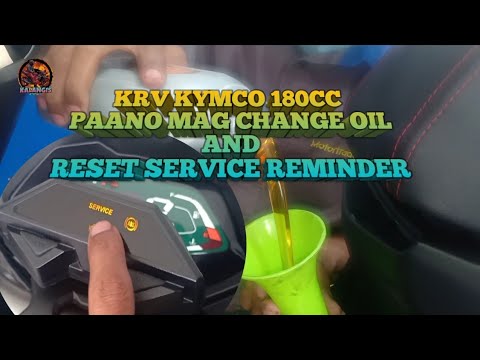
(Various brands) Various
Kymco mopeds, after a certain number of miles or after a specific time since the last service, remind the owner to perform a new service by illuminat…

(Various brands) Various
In order to replace the air filter of the Kymco, you need to loosen the screws that secure the protective cover that contains the filter: the filter …
(Various brands) Various
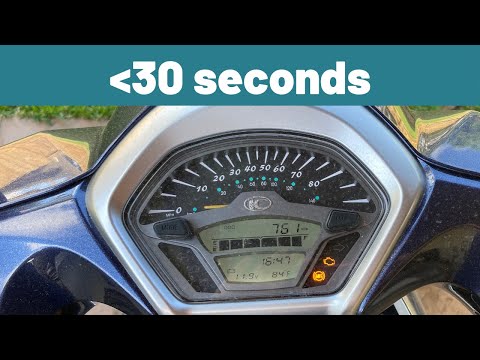
In this video, you will see how to easily switch between degrees Celsius and degrees Fahrenheit on a Kymco scooter: on the multifunction display, amo…
|
Frequently Asked QuestionsHow to replace the headlight bulbs on a Suzuki GSXR 600?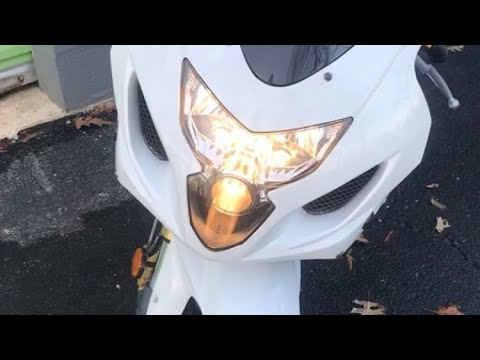
In this tutorial, you will see how to replace the headlight bulbs on a Suzuki GSXR 600, an extremely simple and quick operation. First, ensure that the key is not inserted, then unscrew the two indicated screws and separate the dashboard from the support. Next, disconnect the power connectors of the bulbs, remove the rubber caps, and unclip the metal clips to extract the bulbs from their respective housings. At this point, you can insert the replacements, avoiding touching the glass directly with your bare hands, and follow the reverse procedure. by ScegliAuto More videos
|
For advertising on this site Write to info@scegliauto.com
ScegliAuto is not responsible for any inaccuracy of the data in the lists. To report any inaccuracy or your business (if you own the business in question), please write to info@scegliauto.com
Number of seconds to generate the page: 0.069
(c) ScegliAuto 2026 - info@scegliauto.com - Privacy policy VAT number: IT01247470535 |
