
|
Do it yourself
| |||
| ||||


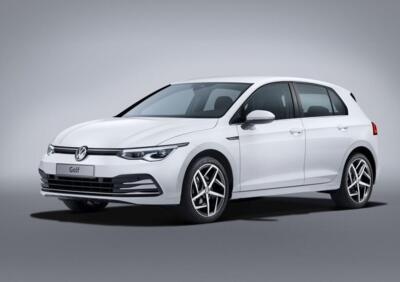
How to Reset the Pressure Warning Light on the New Volkswagen Golf
Model: Volkswagen Golf
Golf Viii, MK 8, Golf 8
- Years:
2019, 2020, 2021, 2022, 2023, 2024, 2025, 2026
Video tutorial
In this video tutorial, we can see how to reset the pressure warning light on the new Volkswagen Golf. The pressure warning light can illuminate for various reasons: a drop in pressure, so it is advisable to have it checked at the dealership; other factors to consider include temperature differences; a slippery road; or a long period of inactivity. After restoring the pressure on all four tyres, get inside the vehicle, turn on the ignition, and through the vehicle's display, go to the 'Vehicle' option, select it, and it will prompt you to check the tyres; at this point, simply press the 'SET' option and confirm by pressing OK. Reset completed.
Updated on 9 July 2026 by ScegliAuto
Related tutorials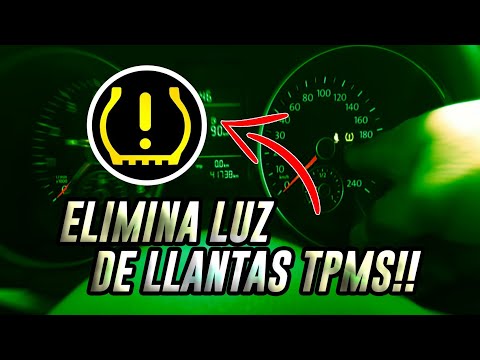
Volkswagen Golf
(1997-2003 /
Golf 4, MK 4, Golf IV)
In this tutorial, you will see how to reset the tyre pressure light on a Volkswagen Golf by following a few simple steps that will allow you to manag…

Volkswagen Golf
(2008-2012 /
Golf VI, 5K1, Golf 6, MK 6)
In this tutorial, we will see how to reset the service on the Volkswagen Golf, an extremely simple and quick operation, to be performed only after co…
Volkswagen Golf
(2012-2019 /
Golf VII, Golf 7, MK 7)
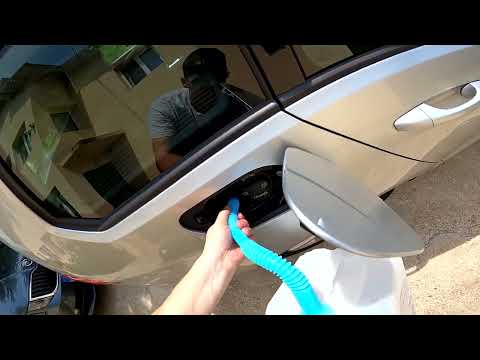
This guide shows how to top up AdBlue and reset the warning that appears on the instrument panel of the Volkswagen Golf 1.6 TDI. First, open the fuel…
Other guides you may be interested in |
How to Reset the Tyre Pressure Light on the Peugeot 508?
To reset the tyre pressure light that appears on the instrument cluster of the Peugeot 508, inflate the tyres until they reach the corresponding pressure value: this value is indicated on the sticker affixed to the driver's door pillar. Once the tyres have been inflated, proceed by entering the cabin and turning on the instrument cluster; if the light is still on, you can start the engine and drive for a few miles until it turns off. by ScegliAuto More videos
|
|
For advertising on this site Write to info@scegliauto.com
ScegliAuto is not responsible for any inaccuracy of the data in the lists. To report any inaccuracy or your business (if you own the business in question), please write to info@scegliauto.com
Number of seconds to generate the page: 0.063
(c) ScegliAuto 2026 - info@scegliauto.com - Privacy policy VAT number: IT01247470535 |
