
|
Do it yourself
| |||
| ||||


Replacing the Fuel Cap on a Volkswagen Tiguan
Model: Volkswagen Tiguan
5N, MK 1
- Years 2007-2016
On this Volkswagen Tiguan (the procedure is identical for the Passat, Golf, and Polo), replace the fuel cap, as the seal has worn out, causing petrol odour to filter into the cabin. The cap is secured by a clip that broke during removal. Remedy this by drilling a small hole with an appropriate bit in the support that held the clip, and replace it with a screw that will serve the same purpose. Tighten it properly to keep the cap secure when you remove it for refuelling, and the job is complete.
Updated on 15 July 2026 by ScegliAuto
Video tutorial
Related tutorials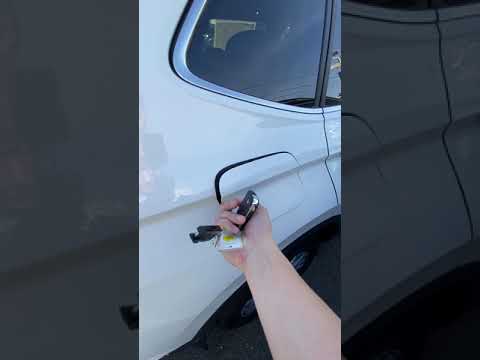
Volkswagen Tiguan
(2016-2025 /
BW, MK 2, AD)
In this brief and simple guide, learn how to open the fuel flap and remove the fuel cap to refuel your Volkswagen Tiguan. First, move to the side of …
Volkswagen Tiguan
(2016-2025 /
BW, MK 2, AD)
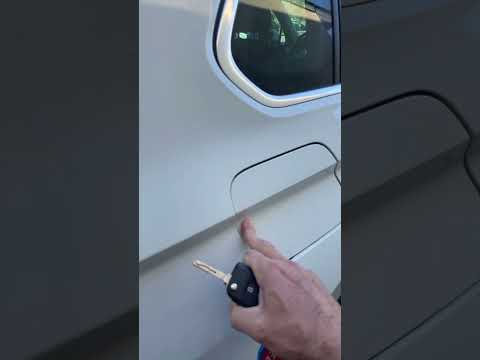
To open the fuel flap on a Volkswagen Tiguan, first unlock the car using the appropriate button on the remote. This will open the car and unlock the …

Volkswagen Tiguan
(2016-2025 /
BW, MK 2, AD)
To reset the AdBlue light on a Volkswagen Tiguan, first open the fuel filler flap located on the rear side of the car: once the flap is open, you wil…
Other guides you may be interested in
|
Resetting the Tyre Pressure Warning Light on the Hyundai I20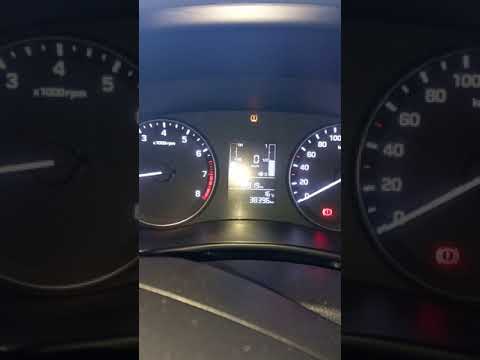
Today, let's look at the instructions to reset the tyre pressure warning light on the Hyundai I20 in simple and quick steps. The vehicle is equipped with an automatic TPMS that constantly monitors tyre pressures; when an anomaly occurs, the system triggers an alarm, displaying the relevant warning light on the dashboard. So, restore the tyre pressures, which will automatically reset the TPMS light on the dashboard; finally, turn off the ignition and start the engine! by ScegliAuto More videos
|
|
For advertising on this site Write to info@scegliauto.com
ScegliAuto is not responsible for any inaccuracy of the data in the lists. To report any inaccuracy or your business (if you own the business in question), please write to info@scegliauto.com
Number of seconds to generate the page: 0.082
(c) ScegliAuto 2026 - info@scegliauto.com - Privacy policy VAT number: IT01247470535 |
