
|
Do it yourself
| |||
| ||||


How to Reset the Service Light on the Volkswagen Golf Mk5
Model: Volkswagen Golf
MK 5, Golf 5, Golf V
- Years 2003-2008
In this guide for all Volkswagen Golf Mk5 owners, discover how to manually reset the service light. First, ensure the car is completely off and parked safely. Next, locate the "0.0" button at the far right of the instrument panel and hold it down. Insert the key and turn on the ignition. After about 20 seconds, release the "0.0" button and press the "Min" button located at the far left of the panel. Finally, turn off the ignition.
Updated on 3 August 2026 by ScegliAuto
Video tutorial
Related tutorials
Volkswagen Golf
(2003-2008 /
MK 5, Golf 5, Golf V)
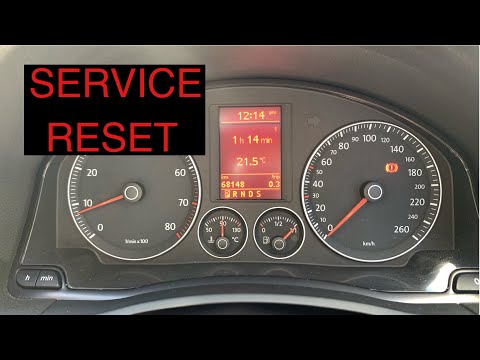
If you intend to manually reset the service light on your Volkswagen Golf Mk5, follow the guide described below. First, start the instrument panel of…
Volkswagen Golf
(2003-2008 /
MK 5, Golf 5, Golf V)
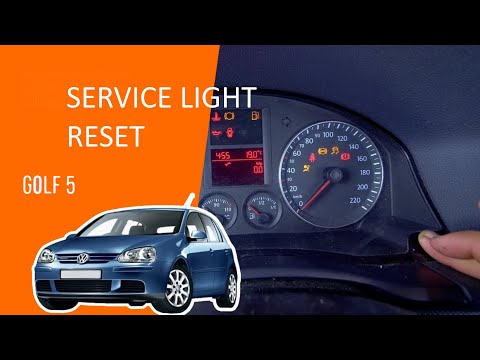
If you own a Volkswagen Golf Mk5 (2003-2008) and want to know how to manually reset the service light, follow these steps. First, get in the car and …
Volkswagen Golf
(2003-2008 /
MK 5, Golf 5, Golf V)
In this mini guide for all owners of a Volkswagen Golf Mk5 (2003-2008), discover the steps to manually reset the service light on the dashboard. Firs…
Other guides you may be interested in
|
How to Open the Fuel Filler Flap on a Hyundai i20?
In this tutorial, you will see how to open the fuel filler flap on a Hyundai i20, a very simple operation similar to that of many vehicles. First, go inside the cabin; it is not necessary to insert the key or unlock all the locks, then locate and operate the lever situated in the lower left area of the cabin, right next to the driver's seat. Once done, exit the vehicle, fully open the flap, and unscrew the fuel cap. To close the flap, simply press it gently until you hear a click. by ScegliAuto More videos
|
|
For advertising on this site Write to info@scegliauto.com
ScegliAuto is not responsible for any inaccuracy of the data in the lists. To report any inaccuracy or your business (if you own the business in question), please write to info@scegliauto.com
Number of seconds to generate the page: 0.131
(c) ScegliAuto 2026 - info@scegliauto.com - Privacy policy VAT number: IT01247470535 |
