
|
Do it yourself
| |||
| ||||


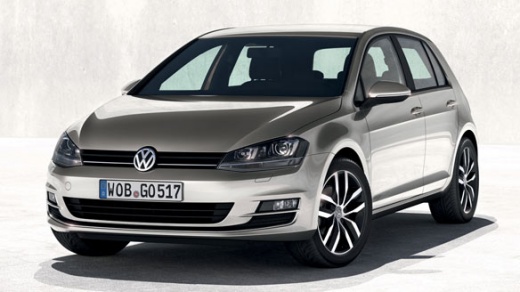
How to Replace the Timing Chain on a Volkswagen Golf 1.4 TSi?
Model: Volkswagen Golf
MK 7, Golf 7, Golf VII
- Years:
2012, 2013, 2014, 2015, 2016, 2017, 2018, 2019
Video tutorial
To replace the timing chain on a Volkswagen Golf 1.4 TSi, open the bonnet to access the components inside the engine bay. On the left side, you will find a protective panel that must be removed by loosening the screws that secure it. By also removing the right front wheel and the corresponding wheel arch liner, you will gain access to the underlying chain, which must be removed by detaching the chain tensioner. At this point, you can insert the new chain and reassemble all previously removed components.
Updated on 8 August 2026 by ScegliAuto
Related tutorials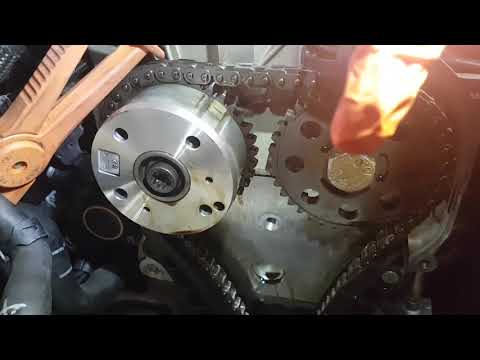
Volkswagen Golf
(2003-2008 /
Golf 5, MK 5, Golf V)
To replace the timing chain on a Volkswagen Golf 1.4 TSI, remove the side covers and any obstructing parts that prevent access to the pulleys and the…
Volkswagen Golf
(2008-2012 /
Golf 6, MK 6, 5K1, Golf VI)
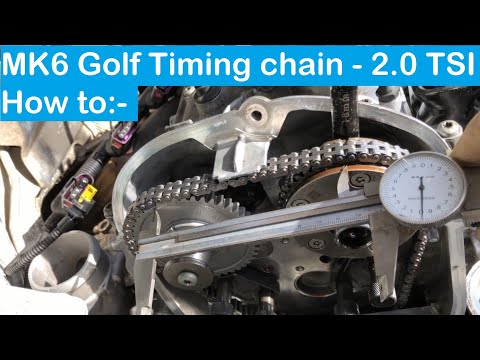
Today's guide will illustrate the main steps for removing and replacing the timing chain on the Volkswagen Golf GTI 2.0 TSI. First, open the bonnet a…
Volkswagen Golf
(2012-2019 /
MK 7, Golf 7, Golf VII)
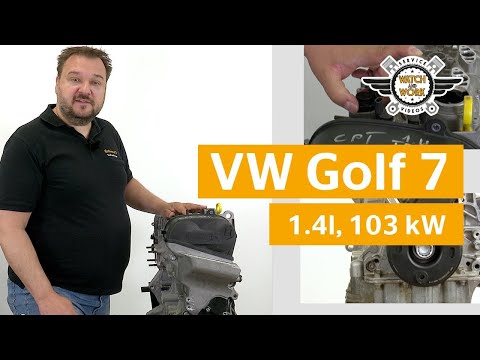
Today's main information will show you how and when to replace the timing belt on a Volkswagen Golf 1.4 TSI. For this type of engine, the timing belt…
Other guides you may be interested in
|
How to Enter the Unlock Code for the Radio in the Nissan Micra?
In this tutorial, you will see how to enter the unlock code for the radio in the Nissan Micra, a very simple operation to perform in case of memory loss after replacing the battery. The code can be found in the documents provided at purchase or through one of the various online recovery services. First, turn on the instrument panel, then repeatedly press the "1" button until you reach the first digit of the code. Follow the same logic to enter the remaining 3 digits using the "2", "3", and "4" buttons, and confirm the entry with the up arrow button. by ScegliAuto More videos
|
|
For advertising on this site Write to info@scegliauto.com
ScegliAuto is not responsible for any inaccuracy of the data in the lists. To report any inaccuracy or your business (if you own the business in question), please write to info@scegliauto.com
Number of seconds to generate the page: 0.030
(c) ScegliAuto 2026 - info@scegliauto.com - Privacy policy VAT number: IT01247470535 |
