
|
Do it yourself
| |||
| ||||


Navigation issues with the infotainment system on the Volkswagen Golf VIII
Model: Volkswagen Golf
Golf 8, MK 8, Golf Viii
- Years 2019-2026
In this video, we discuss navigation problems with the infotainment system on the Volkswagen Golf VIII, noted for its excessive slowness and loading issues. Software problems forced Volkswagen to halt deliveries between May and June 2020 and led to a recall in early 2021, which also involved an upgrade to more powerful hardware, 25% more powerful, with a new graphics card offering three times the performance of the original. The update also includes new features regarding voice control. To perform a hard reset of the system, simply press and hold the power button for thirty seconds. Do not release the button until the system has restarted correctly.
Updated on 10 August 2026 by ScegliAuto
Video tutorial
Related tutorials
Volkswagen Golf
(2019-2026 /
Golf 8, MK 8, Golf Viii)
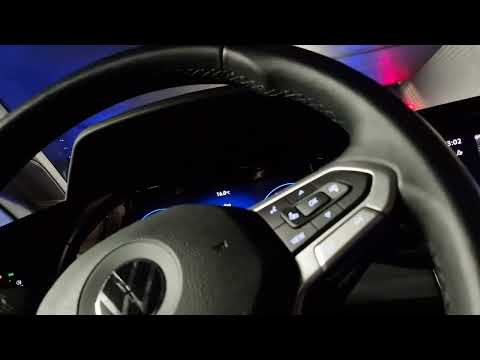
In this tutorial, you will see how to restart the infotainment system in a Volkswagen Golf, a very simple operation to perform in various cases of ma…
Volkswagen Golf
(2019-2026 /
Golf 8, MK 8, Golf Viii)
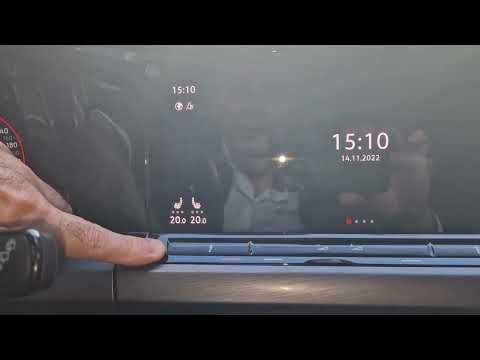
To reset the infotainment system on the Volkswagen Golf, first turn on the instrument cluster by inserting the ignition key into the ignition switch.…
Volkswagen Golf
(2019-2026 /
Golf 8, MK 8, Golf Viii)
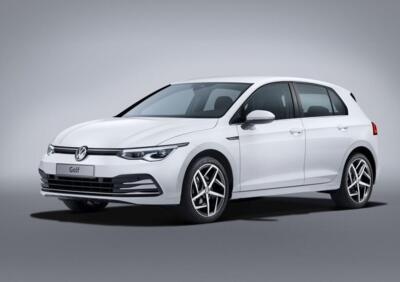
To reset the infotainment system on a Volkswagen Golf, first turn on the ignition by rotating the key in the ignition barrel. Once the ignition is on…
Other guides you may be interested in |
Frequently Asked QuestionsHow to Connect the Cables to the Battery of the Citroen Xsara Picasso?
In this tutorial, you will see how to connect the cables to the battery of the Citroen Xsara Picasso, useful if you need to recharge it or perform an emergency start. First, ensure the key is not inserted, then open the bonnet and move to the front of the left headlamp. Next, locate the bolt just behind the filter box and connect the positive terminal clamp to it. Now you can connect the negative terminal to any point on the chassis, such as the indicated point. Once the operation is complete, ensure you disconnect the negative first and then the positive. by ScegliAuto More videos
|
|
For advertising on this site Write to info@scegliauto.com
ScegliAuto is not responsible for any inaccuracy of the data in the lists. To report any inaccuracy or your business (if you own the business in question), please write to info@scegliauto.com
Number of seconds to generate the page: 0.076
(c) ScegliAuto 2026 - info@scegliauto.com - Privacy policy VAT number: IT01247470535 |
