
|
Do it yourself
| |||
| ||||


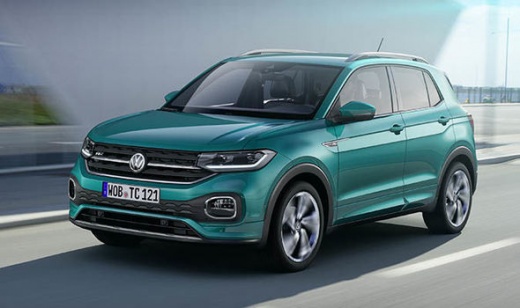
How to Reset the Infotainment System on the Volkswagen T-Cross?
Model: Volkswagen T Cross
MK 1
- Years:
2019, 2020, 2021, 2022, 2023, 2024, 2025, 2026
Video tutorial
To reset the infotainment system on the Volkswagen T-Cross, turn on the instrument panel by inserting the car's ignition key and then pressing the appropriate power button: once the panel is on, you will notice that the display in the centre of the dashboard will also light up. Therefore, press and hold the power button for a few seconds until the display turns off and then turns back on; when the screen lights up again, you will notice that the infotainment settings have been restored to their defaults.
Updated on 16 August 2026 by ScegliAuto
Related tutorials
Volkswagen T Cross
(2019-2026 /
MK 1)
.. are at the correct pressure) on a Volkswagen T-Cross is quite simple. To do this, first press the button marked "CAR" located on the right side of the.. …

Volkswagen T Cross
(2019-2026 /
MK 1)
.. Inside the Volkswagen T-Cross, you can find the fuses within the designated fuse boxes present in the vehicle: there are two.. …

Volkswagen T Cross
(2019-2026 /
MK 1)
.. of the fuse boxes installed on the Volkswagen T-Cross manages the operation of the devices present on the vehicle: there are two in this type of vehicle... …
Other guides you may be interested in
|
How to Set the Clock on a Fiat Scudo
Setting the time on a Fiat Scudo is a simple and quick operation. First, turn on the vehicle's onboard computer and then press the SET button located on the dashboard. The settings menu will appear on the display; press the "+" button to select the "TIME" option using the "SET" button. Once in the clock menu, you can choose the format and adjust the hours and minutes by pressing the "+", "-" and "SET" buttons. When finished, return to the main menu and then turn off the ignition to complete the reset. by ScegliAuto More videos
|
|
For advertising on this site Write to info@scegliauto.com
ScegliAuto is not responsible for any inaccuracy of the data in the lists. To report any inaccuracy or your business (if you own the business in question), please write to info@scegliauto.com
Number of seconds to generate the page: 0.087
(c) ScegliAuto 2026 - info@scegliauto.com - Privacy policy VAT number: IT01247470535 |
