
|
Do it yourself
| |||
| ||||


How to Unlock Voice Commands on the Volkswagen Golf?
Model: Volkswagen Golf
Golf VII, MK 7, Golf 7
- Years 2012-2019
Unlocking the voice commands and App Connect on the Volkswagen Golf is not a procedure that can be done independently. To access these features, you need to visit an official dealer, where the staff will unlock both functionalities using special software. Once the two functions are available, you can connect your smartphone to the car via App Connect, whether it runs iOS or Android. With voice commands, you can use the navigation system, answer calls, select a radio station, and play music.
Updated on 7 September 2026 by ScegliAuto
Video tutorial
Related tutorials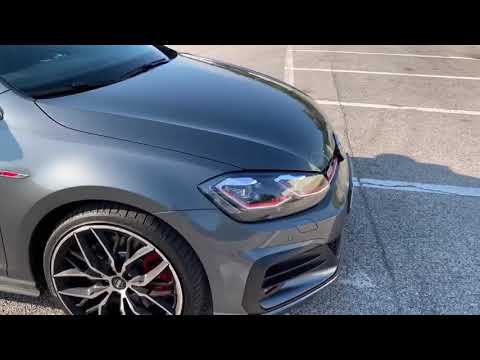
Volkswagen Golf
(2012-2019 /
Golf VII, MK 7, Golf 7)
To unlock the voice commands on the Volkswagen Golf, the only option is to purchase the specific package provided by the manufacturer that allows you…
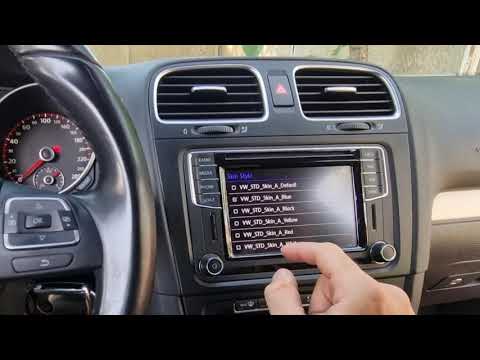
Volkswagen Golf
(2008-2012 /
MK 6, Golf VI, Golf 6, 5K1)
Unlocking the voice commands and App Connect on the Volkswagen Golf cannot be done independently: you must contact an authorised dealer, who will unl…
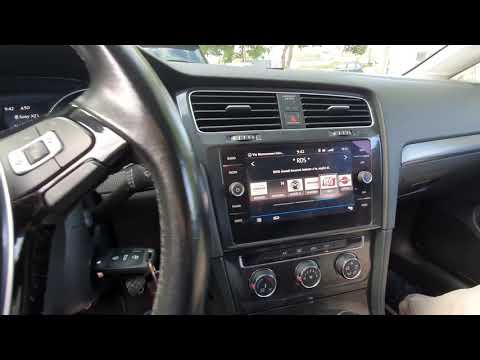
Volkswagen Golf
(2012-2019 /
Golf VII, MK 7, Golf 7)
Voice commands and App Connect on the Volkswagen Golf cannot be unlocked through a self-service procedure. To use these features, contact an authoris…
Other guides you may be interested in
|
Frequently Asked QuestionsWhere is the Spare Wheel in the Peugeot 5008?
This video shows where the spare wheel is located in the Peugeot 5008 and how to access it, useful in case of a puncture. As shown, the wheel is not in the usual boot compartment but underneath it, outside the vehicle. To free the wheel, first gather the tools provided, then open the boot, locate the small indicated hatch, and open it. Next, loosen the bolt just released using the large socket wrench enough to lower the wheel to the ground. by ScegliAuto More videos
|

|
For advertising on this site Write to info@scegliauto.com
ScegliAuto is not responsible for any inaccuracy of the data in the lists. To report any inaccuracy or your business (if you own the business in question), please write to info@scegliauto.com
Number of seconds to generate the page: 0.123
(c) ScegliAuto 2026 - info@scegliauto.com - Privacy policy VAT number: IT01247470535 |
