
|
Do it yourself
| |||
| ||||


Volvo V40 - Instrument clusterInstrument Cluster Volvo V40 (2012-2019 / mk 2)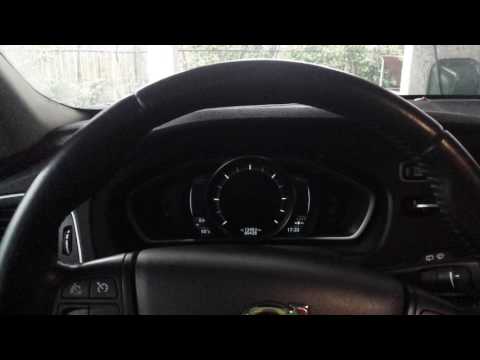 Volvo V40 (2012-2019 / MK 2)
How to Reset the Maintenance Indicator on the Volvo V40 D2 2012 This brief guide illustrates the procedure to reset the maintenance indicator for the Volvo V40, year 2012. It is noted that the following procedure is also …Read all… Posted on 20 September 2026 by ScegliAuto 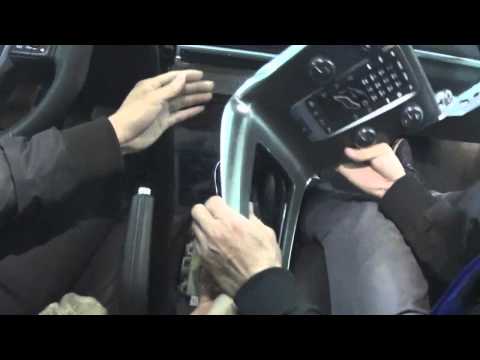 Volvo V40 (2012-2019 / MK 2)
Removing Instrument Cluster on Volvo V40 In this video, you will learn how to remove the instrument cluster from a Volvo V40. Get inside the cabin and start by removing the trim around the gear lever: …Read all… Posted on 16 April 2026 by ScegliAuto Car stereo (1) Battery (7) Transmission (1) Control unit (1) Key (12) Timing belt (6) V-belt (2) Onboard computer (2) Checks and maintenance (3) Dashboard (2) Headlight (1) Tail light (2) Air filter (1) Cabin air filter (4) Diesel fuel filter (5) Oil filter (1) Parking brake (1) Accessory kit (1) Headlight bulb (2) Interior dome light bulb (1) Antifreeze coolant (1) Handle (1) Engine (1) Transmission fluid (1) Brake fluid (1) Engine oil (3) Clock (2) Door trim panel (2) Front bumper (1) Brake pads (3) Shift knob (1) Instrument cluster (2) Fuse box (7) Side mirror (2) Rearview mirror (1) Warning light – error code (12) (9) Tire pressure warning light (6) Service warning light (63) Windshield wipers (2) Valve (1) EGR valve (1) Blower motor (1) |
How to reset the tyre pressure warning light on a Hyundai Tucson
Below are the instructions to reset the tyre pressure warning light (TPMS) on a Hyundai Tucson. First, get into the vehicle and turn on the instrument cluster; then navigate to the vehicle settings until you reach the tyre pressure monitor, identifying the tyre with incorrect pressure. At this point, restore all tyre pressures according to the specifications indicated on the label; this will reset the TPMS and the warning light will be cleared from the instrument cluster! by ScegliAuto More videos
|
|
For advertising on this site Write to info@scegliauto.com
ScegliAuto is not responsible for any inaccuracy of the data in the lists. To report any inaccuracy or your business (if you own the business in question), please write to info@scegliauto.com
Number of seconds to generate the page: 0.014
(c) ScegliAuto 2026 - info@scegliauto.com - Privacy policy VAT number: IT01247470535 |
