
|
Do it yourself
| |||
| ||||


|
Model: Yamaha Xmax 300
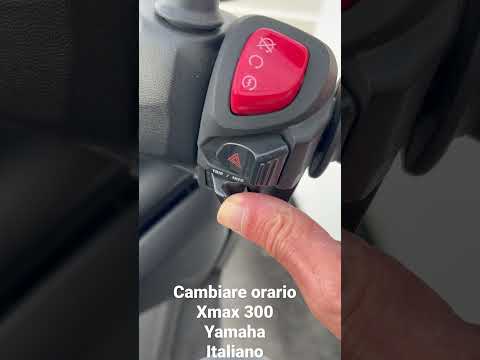
Manually changing the time displayed on the central panel of your Yamaha XMax 300 is really very simple and you just need to follow the procedure described below to complete the operation without difficulty. First of all, turn on the panel and hold down the button located below the right lever until the time starts flashing. At this point, use the same button to change the hour digit. Then move on to the minutes and repeat the same operation. Finally, save the changes you have just made and turn off the panel to complete the procedure correctly.
Posted on 18 October 2024 by ScegliAuto
Video tutorial
Related tutorials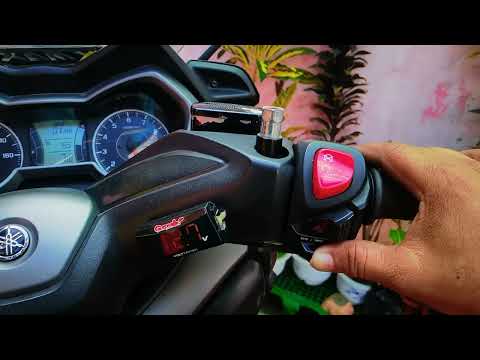
Xmax 300
In this new guide for your Yamaha Xmax 300, discover how to manually set the time displayed on the central dashboard. First, ensure the motorcycle is…
Xmax 300
In this brief video tutorial, we will see how to change the time on the onboard computer of our Yamaha Xmax 300. Start by ensuring the central knob i…

Xmax 300
The steps outlined in this guide will show us how to change the time on the display of the instrument panel of the Yamaha Xmax 300 scooter. First, we…
|
How to Replace the Battery of the Kymco Agility 125?
To replace the battery of the Kymco Agility 125, lift the seat to access the compartment underneath. At the rear of the under-seat compartment, you will find the battery under the corresponding panel. By unscrewing the screws that secure the panel, you can access the battery underneath, which must be freed from the corresponding securing screws and the appropriate power cables. Once the device is free, insert the new one, connecting and securing it properly, and cover everything with the panel. by ScegliAuto More videos
|
|
For advertising on this site Write to info@scegliauto.com
ScegliAuto is not responsible for any inaccuracy of the data in the lists. To report any inaccuracy or your business (if you own the business in question), please write to info@scegliauto.com
Number of seconds to generate the page: 0.066
(c) ScegliAuto 2026 - info@scegliauto.com - Privacy policy VAT number: IT01247470535 |
