
|
Do it yourself
| |||
| ||||


Model: Yamaha Xv1700 Roadstar
In this tutorial we can see how to replace the rear brake pads on the Yamaha XV1700 Roadstar, a very simple and quick operation. First of all, position yourself in front of the brake in question, then locate the two indicated fixing bolts and unscrew them using a 12mm hex key. Then separate the caliper from the disc, remove the metal clip and extract the pin. At this point, all that remains is to remove the old pads, clean any dirt residue present, insert the replacements and reassemble everything following the reverse procedure.
Posted on 15 November 2024 by ScegliAuto
Video tutorial
Related tutorials
Mt 10
The instructions illustrated in this guide will allow us to disassemble and replace the rear brake pads of the Yamaha MT-10. First, we put the motorc…
Fz 09
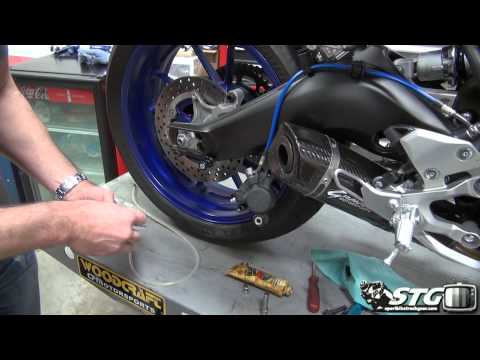
This tutorial shows how to replace the rear brake pads on a Yamaha FZ-09, a straightforward task. Start by positioning yourself in front of the brake…

Nmax 125
The instructions in this guide will show us how to disassemble and replace the rear brake pads of the Yamaha Nmax 125 scooter. First, we put the scoo…
|
How to Reset the Oil Service on the Yamaha YZF-R25?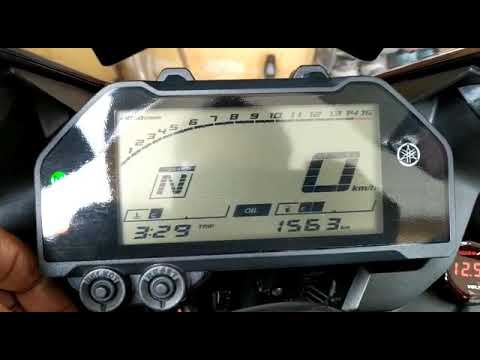
In this tutorial, see how to reset the oil service on the Yamaha YZF-R25, a very simple and quick operation. Before proceeding, ensure that all required scheduled maintenance tasks are completed. Start by inserting the key and turning on the instrument panel; it is not necessary to start the engine. Then, by repeatedly pressing the left button on the dashboard, navigate to the mileage interval labelled "OIL". Once done, press and hold the right button for about 5 seconds, or for the time necessary to reset the interval correctly. by ScegliAuto More videos
|
|
For advertising on this site Write to info@scegliauto.com
ScegliAuto is not responsible for any inaccuracy of the data in the lists. To report any inaccuracy or your business (if you own the business in question), please write to info@scegliauto.com
Number of seconds to generate the page: 0.005
(c) ScegliAuto 2026 - info@scegliauto.com - Privacy policy VAT number: IT01247470535 |
