
|
Do it yourself
| |||
| ||||


How to Set the Time on the Yamaha R7?
Model: Yamaha Yamaha R7
Video tutorial
In this tutorial, see how to set the time on the Yamaha R7, a very simple and quick operation, for example after disconnecting the battery or when switching to daylight saving time. First, insert the key and leave it in the initial position, then press and hold the "RES" button on the left knob while simultaneously turning on the instrument panel. Keep the button pressed until the clock starts flashing, adjust the hour with the "SEL" button, and switch to minutes with the "RES" button. Once the minutes are set, save the setting by pressing the "RES" button again.
Posted on 17 October 2026 by ScegliAuto
Related tutorials
Yamaha R7
The necessary procedure to successfully change the time displayed on your Yamaha R7 dashboard is very simple. Thanks to the following guide, in fact,…

Yamaha R7
In this tutorial, you will learn how to change the engine oil on the Yamaha R7, a very simple and quick operation. First, ensure the engine is cool e…

Yamaha R7
In order to replace the exhaust of the Yamaha R7, you need to loosen the nut located at the clamp connecting the exhaust manifold and the muffler: on…
|
How to Replace the Battery on a Harley Davidson Road Glide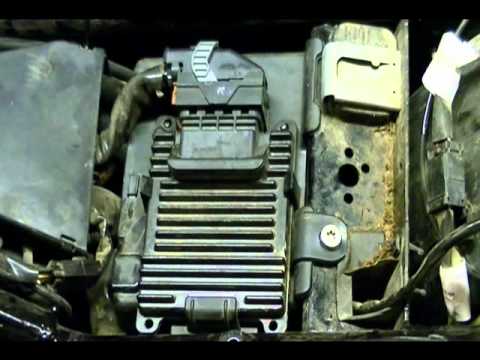
To replace the battery on a Harley Davidson Road Glide, loosen the screws securing the saddlebags on the sides of the bike so they can be removed. After removing the bags, unscrew the bolts holding the seat, detaching it from the top of the bike: underneath, you will find the battery, which needs to be freed from its securing screws and disconnected from the appropriate cables. This will allow you to insert the new replacement part, securing and connecting it properly, then cover everything with the seat. by ScegliAuto More videos
|
|
For advertising on this site Write to info@scegliauto.com
ScegliAuto is not responsible for any inaccuracy of the data in the lists. To report any inaccuracy or your business (if you own the business in question), please write to info@scegliauto.com
Number of seconds to generate the page: 0.006
(c) ScegliAuto 2026 - info@scegliauto.com - Privacy policy VAT number: IT01247470535 |
