
|
Do it yourself
| |||
| ||||


To change the time displayed on the central dashboard of your Yamaha R3, follow these simple steps outlined in this mini guide. First, position the motorcycle on its stand and turn on the dashboard. Next, locate the two buttons on the left side of the dashboard and press them together for a few seconds. Release them as soon as the hour starts to flash, then use the upper button to adjust the hours. To set the minutes, press the lower button multiple times, and finally, turn off the dashboard.
Updated on 3 September 2026 by ScegliAuto
Video tutorial
Related tutorials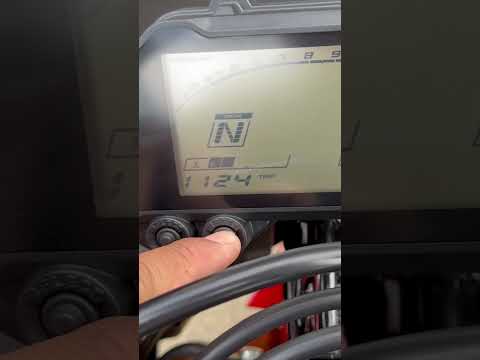
R3
In this new mini guide for all Yamaha R3 owners, you will discover how to correctly perform the manual reset of the oil light. First, insert the key …

R3
To change the engine oil of a Yamaha R3, start by ensuring that the engine is slightly warm, which will make the oil more fluid. Position the motorcy…
R3
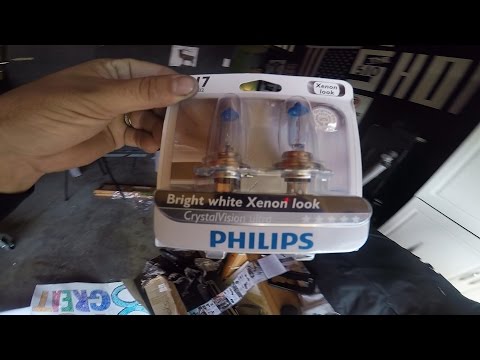
Remove the small round cover located behind the front headlamp, accessing it from the handlebar area, as shown in the video. At this point, you can s…
|
How to replace the coolant in the BMW S1000 R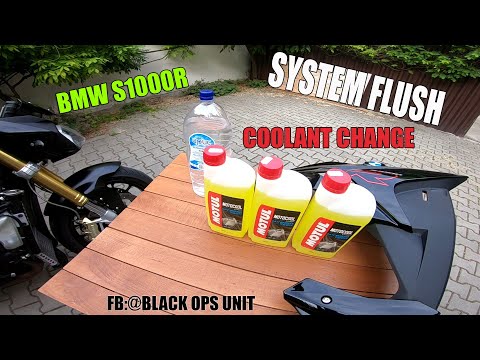
Today, we will see in this video tutorial how to bleed and replace the coolant in the BMW S1000 R motorcycle. First, place your motorcycle on a stand and start unscrewing the bleed screw located on the water pump casing, found at the bottom right; let the fluid drain into a container for about ten minutes. Now, unscrew the radiator cap and top up with the new coolant, the correct type for your radiator; fill it to the maximum level mark, starting the engine to circulate the fluid! by ScegliAuto More videos
|
|
For advertising on this site Write to info@scegliauto.com
ScegliAuto is not responsible for any inaccuracy of the data in the lists. To report any inaccuracy or your business (if you own the business in question), please write to info@scegliauto.com
Number of seconds to generate the page: 0.007
(c) ScegliAuto 2026 - info@scegliauto.com - Privacy policy VAT number: IT01247470535 |
