
|
Do it yourself
| |||
| ||||


Model: Yamaha Xt 1200z
In this tutorial we can see how to adjust the time on the Yamaha XT1200Z, an extremely simple and quick operation, to be carried out for example after replacing the battery or following the switch to daylight saving time. First of all, insert the key and turn on the instrument panel, then reach the general menu by holding down the appropriate button located on the back of the left handlebar. Scroll through the various options using the directional arrows, enter "Clock" and, using the same keys, adjust the time as needed. To save the setting, simply return to the main screen.
Posted on 23 July 2024 by ScegliAuto
Video tutorial
Related tutorials
Xt 1200z
In order to replace the engine oil of the Yamaha XT 1200Z, you need to loosen the screws that secure the engine guard plate on the bottom of the moto…
|
Replacing the Front Brake Pads on the Piaggio Vespa 50 LX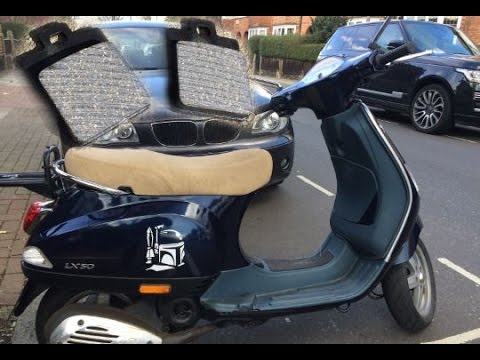
This guide will illustrate the instructions on how to remove and replace the front brake pads on the Piaggio Vespa 50 LX. First, place your scooter on the centre stand and start unscrewing the nuts securing the front wheel to remove it; then use pliers to remove the brake pad retaining clip, as shown in the video. At this point, remove the old pads, cleaning the caliper of dirt; press the caliper piston back to allow for the installation of the new pads (of excellent quality). Finally, reassemble the front wheel. by ScegliAuto More videos
|
|
For advertising on this site Write to info@scegliauto.com
ScegliAuto is not responsible for any inaccuracy of the data in the lists. To report any inaccuracy or your business (if you own the business in question), please write to info@scegliauto.com
Number of seconds to generate the page: 0.006
(c) ScegliAuto 2026 - info@scegliauto.com - Privacy policy VAT number: IT01247470535 |
