
|
Do it yourself
| |||
| ||||


How to Remove the Centre Console from an Alfa 159
Model: Alfa Romeo 159
MK 1
- Years 2005-2011
To remove the centre console from an Alfa 159, you will need to make some hooks, which you can create using simple welding electrodes. Start by removing the gear lever console with a bodywork lever and disconnect the relevant electrical connectors. Next, unscrew the 2 screws located at the bottom of the console. Using the hooks you made, attach them to the tabs of the air vent. To attach them correctly, place one hook in the upper tab and the other in the lower tab. Now, while pulling both hooks simultaneously, remove the air vent from its housing. Unscrew the cross-head screw located inside the vent housing, taking care not to drop the screw inside the dashboard. For convenience, use a screwdriver with a magnetic tip. Repeat the same operation on the other vent, leaving the central one in place. Note that there are 4 screws holding the console. Now, being very careful not to damage it, as it is made of aluminium, pull the console from the vent housing. To reassemble the console, position it correctly in place and press it to reattach it in its compartment. Then, screw in the 4 screws of the centre console; insert the gear lever console and reconnect the electrical wiring. Finally, insert the air vents back into their housing. Once the job is finished, check that the entire console is perfectly aligned and harmonised with the dashboard.
Updated on 29 May 2026 by ScegliAuto
Video tutorial
Related tutorials
Alfa Romeo 159
(2005-2011 /
MK 1)
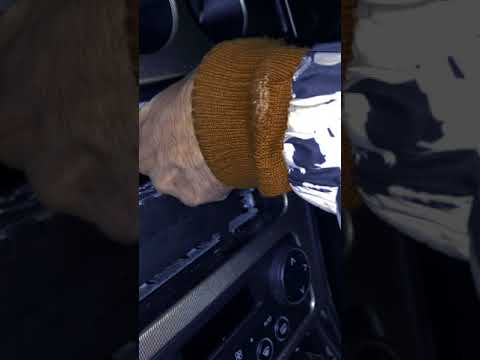
In this guide, we will see the instructions that will allow us to disassemble and replace the central console and its components of the Alfa Romeo 15…
Alfa Romeo 159
(2005-2011 /
MK 1)
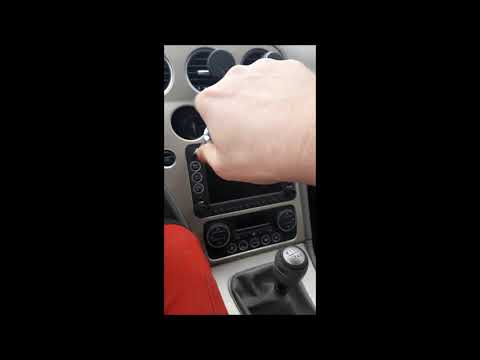
In this video, see the steps to dismantle the centre console of the dashboard on an Alfa Romeo 159, as well as the Brera, in simple steps. First, get…
Alfa Romeo 159
(2005-2011 /
MK 1)
In this video tutorial, see how to remove and replace the standard radio from the Alfa Romeo 159. First, get inside the vehicle and start unscrewing …
Other guides you may be interested in
|
Where is the Spare Wheel in the Peugeot 5008?
This video shows where the spare wheel is located in the Peugeot 5008 and how to access it, useful in case of a puncture. As shown, the wheel is not in the usual boot compartment but underneath it, outside the vehicle. To free the wheel, first gather the tools provided, then open the boot, locate the small indicated hatch, and open it. Next, loosen the bolt just released using the large socket wrench enough to lower the wheel to the ground. by ScegliAuto More videos
|

|
For advertising on this site Write to info@scegliauto.com
ScegliAuto is not responsible for any inaccuracy of the data in the lists. To report any inaccuracy or your business (if you own the business in question), please write to info@scegliauto.com
Number of seconds to generate the page: 0.068
(c) ScegliAuto 2026 - info@scegliauto.com - Privacy policy VAT number: IT01247470535 |
