
|
Do it yourself
| |||
| ||||


How to Remove the Dashboard of an Alfa Romeo 159
Model: Alfa Romeo 159
MK 1
- Years 2005-2011
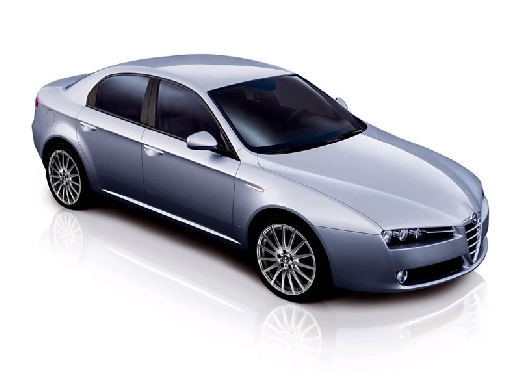
Before you can start, take a seat in the driver's seat of your Alfa Romeo 159. Begin by unclipping and removing the three upper air vents by simply pulling them towards you. Next, using the appropriate extraction keys, remove the radio from its housing, disconnect the rear plugs, and finally remove it completely. At this point, unclip and lift the gear lever surround. Now, undo and remove all the screws securing the centre console, then remove the console itself, successfully completing the disassembly.
Updated on 3 April 2026 by ScegliAuto
Video tutorial
Related tutorials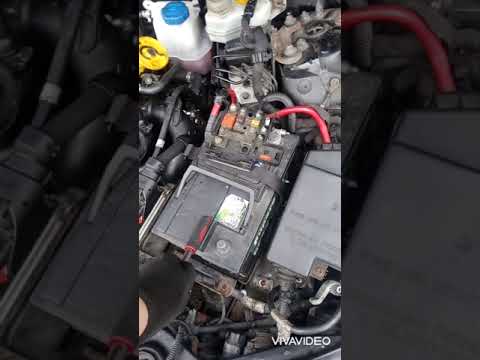
Alfa Romeo 159
(2005-2011 /
MK 1)
Before you can begin, open the bonnet of your Alfa Romeo 159. Start by removing the hoses and collectors located above the starter motor by unscrewin…
Alfa Romeo 159
(2005-2011 /
MK 1)
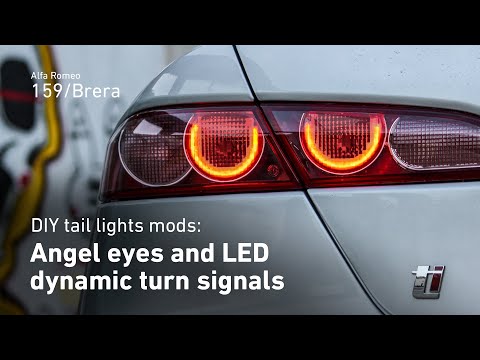
Before you can start, open the tailgate of the boot on your Alfa Romeo 159. Begin by moving the carpet that covers the fixing nuts of the rear light.…

Alfa Romeo 159
(2005-2011 /
MK 1)
Before you can start, open the rear doors of your Alfa Romeo 159. Begin by unscrewing and removing the bolts that secure the lower bench of the rear …
Other guides you may be interested in
|
How to reset the tyre pressure warning light on the Dacia Sandero?
To reset the tyre pressure warning light on the Dacia Sandero, inflate all the tyres to the pressure indicated on the label on the driver's door. Once the tyres are inflated, turn on the ignition and navigate through the menu using the controls on the right side of the steering wheel. Scroll with the arrows to find the tyre pressure option: by holding down the OK button located on the right side of the steering wheel, you can reset the warning light. by ScegliAuto More videos
|
|
For advertising on this site Write to info@scegliauto.com
ScegliAuto is not responsible for any inaccuracy of the data in the lists. To report any inaccuracy or your business (if you own the business in question), please write to info@scegliauto.com
Number of seconds to generate the page: 0.148
(c) ScegliAuto 2026 - info@scegliauto.com - Privacy policy VAT number: IT01247470535 |
