
|
Do it yourself
| |||
| ||||


|
Model: Aprilia Sr Gt 125
Let's see in this video how to set the time on an Aprilia SR GT125: first, turn on the instrument panel and hold down the "set" button located on the right side of the dashboard until the time indication flashes, which is located at the top right. Using the "set" button, advance the time until you reach the desired hour. Confirm by pressing twice quickly in sequence: this will also take you to the minutes, where you will also set the desired time. To confirm, press twice quickly again. Without this double click, there will be no confirmation, and the time will revert to the previous setting.
Posted on 2 March 2026 by ScegliAuto
Video tutorial
Related tutorials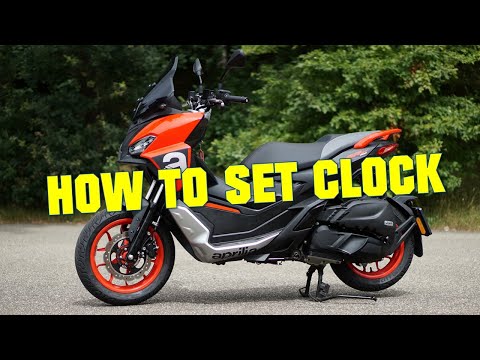
Sr Gt 125
In this tutorial, see how to set the time on the Aprilia SR GT 125 scooter, a very simple and quick operation to perform, for example, after disconne…

Sr Gt 125
It will be possible to replace the battery of the Aprilia SR GT 125 by opening the under-seat compartment to access the internal area: the correspond…

Sr Gt 125
To replace the air filter of the Aprilia SR GT 125, you need to loosen the screws that secure the cover of the air filter box: this will be located n…
|
How do you replace the headlight bulb of the Sym Citycom 300?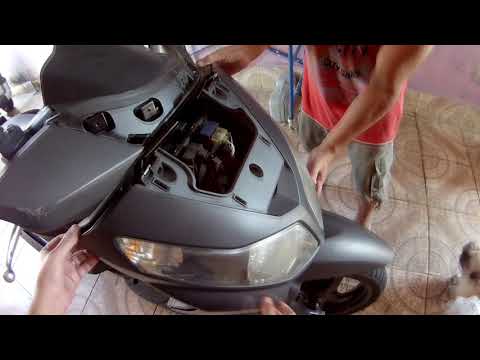
In order to replace the headlight bulb of the Sym Citycom 300, you need to loosen the screws that secure the panels located at the front of the motorcycle fairing: once the fastening screws of these panels have been loosened, you can unscrew those on the inside of the front fairing, so that the latter can be removed from its seat. Now it will be possible to proceed by unscrewing the screws that secure the corresponding headlight, disconnecting its connector and removing the bulb inside; in this way you can reinstall the removed panels. by ScegliAuto More videos
|
|
For advertising on this site Write to info@scegliauto.com
ScegliAuto is not responsible for any inaccuracy of the data in the lists. To report any inaccuracy or your business (if you own the business in question), please write to info@scegliauto.com
Number of seconds to generate the page: 0.006
(c) ScegliAuto 2026 - info@scegliauto.com - Privacy policy VAT number: IT01247470535 |
