
|
Do it yourself
| |||
| ||||


How to Reset the "Service" Light on an Aprilia SR 50
Model: Aprilia Sr 50
Video tutorial
Before you begin, sit on the seat of your Aprilia SR 50. Start by turning the key in the ignition switch to activate the instrument panel. Next, press and hold the "MODE" button located on the left handlebar control. While doing this, turn off and then turn on the instrument panel again. Once the instrument panel is reactivated, the "Service" light on your Aprilia SR 50 will turn off, and you will have successfully completed the reset.
Updated on 17 April 2026 by ScegliAuto
Related tutorials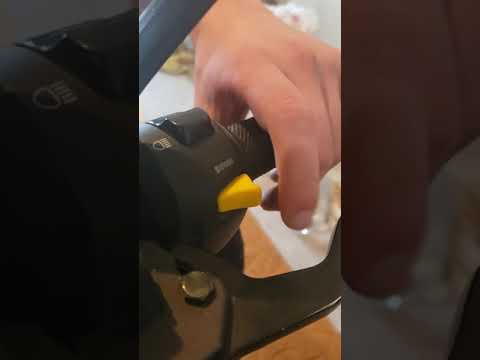
Sr 50
To reset the Service light on an Aprilia SR 50, press and hold the yellow button located at the back of the left-hand side of the handlebar. While ho…
Sr 50
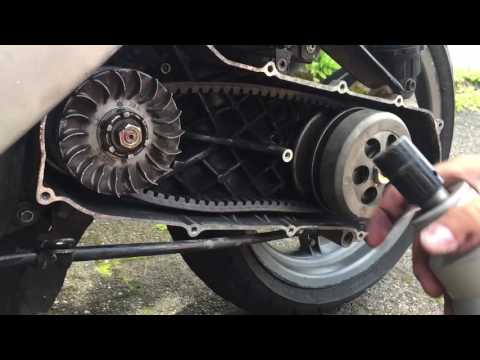
This guide outlines the steps to remove and replace the variator on the Aprilia SR 50 scooter, following the instructions below. First, place the cen…

Sr 50
In this tutorial, you will see how to replace the battery on the Aprilia SR 50 scooter, a very simple and quick operation. First, ensure that the key…
ScegliAuto offers an extensive international collection of automotive tutorials available in 12 languages. Each guide combines instructional videos with original explanations written by experienced human editors, along with information about the car models covered.
|
How to change the engine oil on a Keeway Logik 125
Follow these steps to carry out routine maintenance and change the engine oil on a Keeway Logik 125 scooter. First, place the scooter on its centre stand. Use a socket to loosen and remove the oil drain bolt underneath the engine. Drain the oil into a suitable container for about 10 minutes. Then remove the filler cap and pour in 0.7 litres of oil. Check the oil level and top up if necessary. To complete the service, check the condition of the air filter. by ScegliAuto More videos
|
For advertising on this site Write to info@scegliauto.com
ScegliAuto is not responsible for any inaccuracy of the data in the lists. To report any inaccuracy or your business (if you own the business in question), please write to info@scegliauto.com
Number of seconds to generate the page: 0.007
(c) ScegliAuto 2026 - info@scegliauto.com - Privacy policy - About us VAT number: IT01247470535 |
