
|
Do it yourself
| |||
| ||||


How to Reset the Service Light on the Aprilia Scarabeo 500?
Model: Aprilia Scarabeo 500
Video tutorial
To reset the Service light on the Aprilia Scarabeo 500, press and hold the MODE button located near the left handlebar of the bike: while holding the button, the instrument panel should be off. Then, turn it on by turning the key and continue to hold the RESET button located below the panel for about fifteen seconds: this will completely clear the Service light from the instrument panel, and you can release both buttons. By turning the instrument panel off and on again, you can verify that the reset has been successful.
Updated on 16 July 2026 by ScegliAuto
Related tutorials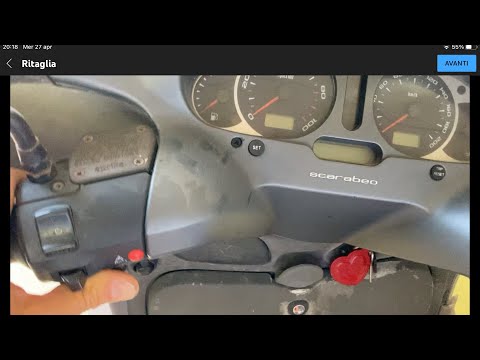
Scarabeo 500
To reset the Service light on the Aprilia Scarabeo 500, press and hold the MODE button located near the left handlebar of the bike: while holding the…

Scarabeo 500
To replace the belt on an Aprilia Scarabeo, loosen the bolts securing the cover at the rear wheel on the left side of the bike. Once the cover is rem…
Scarabeo 500
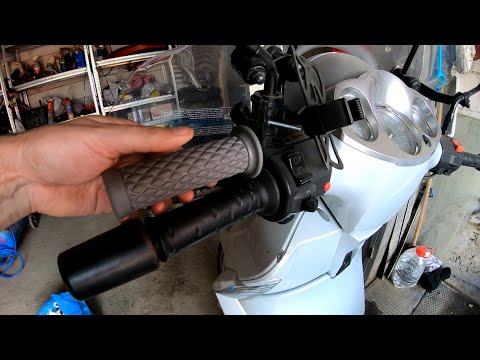
To replace the grips on the Aprilia Scarabeo 500, loosen the nuts located at the ends of the handlebars, corresponding to the weights: when these nut…
|
How to replace the engine oil and oil filter on the Gasgas 700
Today, we will go through the procedure for replacing the engine oil and oil filter while performing the routine maintenance service on the Gasgas 700 motorcycle. First, place it on the stand and start unscrewing the oil drain bolt located under the engine, allowing it to drain into a container for about ten minutes. Unscrew the screws of the oil filter cover to remove the cartridge and replace it with a new one, as shown in the video. Next, unscrew the filler cap and pour in the new engine oil, following the specifications in the owner's manual. by ScegliAuto More videos
|
|
For advertising on this site Write to info@scegliauto.com
ScegliAuto is not responsible for any inaccuracy of the data in the lists. To report any inaccuracy or your business (if you own the business in question), please write to info@scegliauto.com
Number of seconds to generate the page: 0.006
(c) ScegliAuto 2026 - info@scegliauto.com - Privacy policy VAT number: IT01247470535 |
