
|
Do it yourself
| |||
| ||||


Remove Audi A6 Car Radio
Model: Audi A6
MK 2, C5
- Years 1997-2004
Do you want to replace the original radio in your Audi A6? Let's see how to replace the radio. Use the original or aftermarket metal keys to remove the stereo from your car. Insert the keys into the slots on the plastic side trim of the stereo: unlock and pull the stereo towards you. Carefully extract the car radio, paying attention to the various wiring connected at the back (disconnect the power connectors and the antenna cable). Install the new car radio with the appropriate adapter (if you want to install a 2 DIN) and check its operation.
Updated on 17 March 2026 by ScegliAuto
Video tutorial
Related tutorials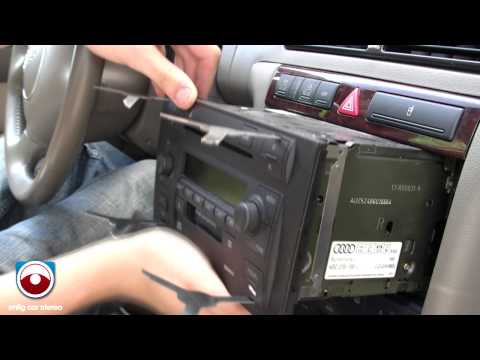
Audi A6
(2004-2012 /
C6, MK 3)
To remove the original car radio, you first need the appropriate extraction keys: insert the keys into the slots located at the four corners of the r…
Audi A6
(2011-2018 /
MK 4, C7)
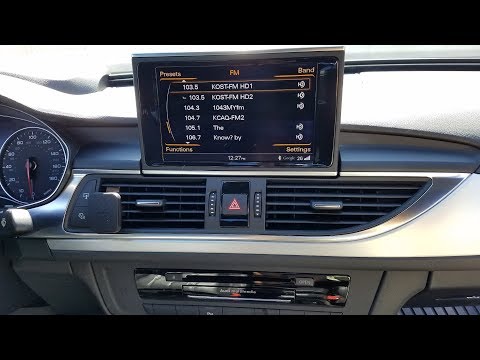
Before we can start, we will have to sit in the driver's seat of our Audi A6. So let's start by disengaging and removing the frame placed around the …
Audi A6
(1997-2004 /
MK 2, C5)
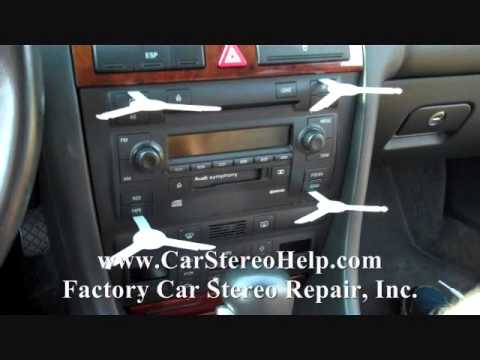
To remove the factory car radio, you need the appropriate extraction keys to insert into the slots located at the four corners of the radio. Insert t…
Other guides you may be interested in
|
Frequently Asked QuestionsHow to Remove the Factory Radio on a Mercedes A-Class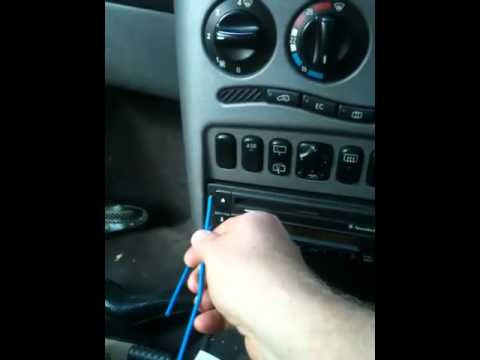
How do you remove the factory radio on a Mercedes A-Class? Let's carefully go through the disassembly process. Use the original or aftermarket metal keys to remove the car stereo: Insert the keys into the holes on the plastic trim of the stereo, pull the stereo towards you as shown in the video, and carefully extract the radio while being mindful of the various wiring (disconnect the power connectors and the antenna cable). Finally, reinstall the original radio or a generic brand with the appropriate adapter for the input and connector. by ScegliAuto More videos
|
|
For advertising on this site Write to info@scegliauto.com
ScegliAuto is not responsible for any inaccuracy of the data in the lists. To report any inaccuracy or your business (if you own the business in question), please write to info@scegliauto.com
Number of seconds to generate the page: 0.095
(c) ScegliAuto 2026 - info@scegliauto.com - Privacy policy VAT number: IT01247470535 |
