
|
Do it yourself
| |||
| ||||


How do you reset the Audi A4 B9 service warning light?
Model: Audi A4
B9
- Years 2014-2024
In order to reset the Audi A4 B9 Service warning light, you need to turn on the instrument panel and navigate to the menu that will appear on the central display: by moving to the Settings, it will be possible to check that the km missing for the next maintenance will be zero. At this point, it will therefore be necessary to connect a diagnostic tool to the vehicle's OBD port, which is located at the bottom left of the steering column: by selecting the car model and its version on the scanner, it will be possible to reset the warning light. Turning on the ignition again you will then notice that the light has been correctly reset.
Posted on 20 February 2022 by ScegliAuto
Video tutorial
Related tutorials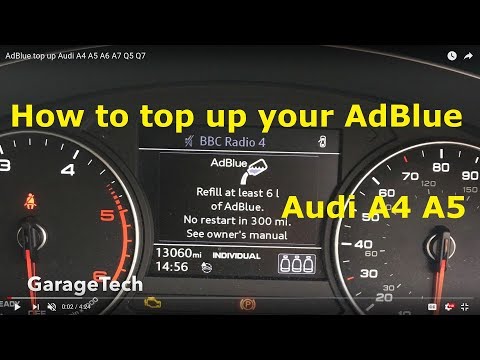
Audi A4
(2014-2024 /
B9)
In order to reset the Audi A4 AdBlue warning light, it is necessary to top up the additional liquid by pouring it into the special tank. After you ha…
Audi A4
(2004-2008 /
B7)
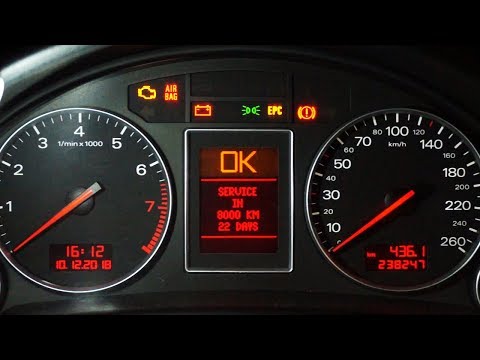
Clearing the service light on an Audi A4. This operation is very simple. Enter the vehicle, turn on the ignition with the appropriate key, and check …

Audi A4
(1994-2000 /
B5)
You can completely make the Service light disappear that appears on the instrument cluster of the Audi A4 by holding down the button located at the b…
Other guides you may be interested in
|
Replacing Timing Belt on Qashqai 1.5 DCI
The timing belt is a vital component and one of the most important elements of the engine. Neglecting it puts the engine's very life at serious risk. If it breaks, it can cause very serious and costly damage to the entire engine. The belt should be replaced (along with pulleys and water pump) at intervals recommended by the manufacturer, generally every 100,000 or even 120,000 miles or 5 years. The material it is made from naturally deteriorates over time, similar to tyres. For the specific Nissan model with the Nissan/Renault 1500 DCI engine, the Achilles' heel is the bearings, which are subject to premature wear. The manufacturer recommends replacing them during the first timing belt/pulley replacement. by ScegliAuto More videos
|

For advertising on this site Write to info@scegliauto.com
ScegliAuto is not responsible for any inaccuracy of the data in the lists. To report any inaccuracy or your business (if you own the business in question), please write to info@scegliauto.com
Number of seconds to generate the page: 0.146
(c) ScegliAuto 2026 - info@scegliauto.com - Privacy policy VAT number: IT01247470535 |
