
|
Do it yourself
| |||
| ||||


How to factory reset the Audi A6 infotainment system
Model: Audi A6
MK 5, C8
- Years 2018-2026
If you are experiencing several malfunctions with the Audi A6 (latest model) infotainment system then you need to perform a factory data reset. Let's find out how. First turn on the car ignition and center display. Click on the "Home" icon and then on "Settings". At this point click on "System Maintenance" and, finally, on "Restore factory settings". Confirm the operation after reading the warning and wait a few moments. The procedure is now complete. We remind you that all your customized settings will be automatically deleted and you will have to re-enter them again.
Posted on 26 April 2022 by ScegliAuto
Video tutorial
Related tutorials
Audi A6
(2018-2026 /
MK 5, C8)
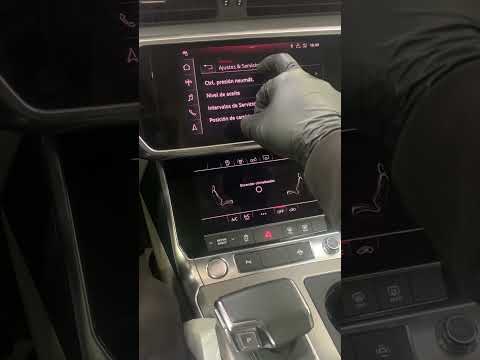
Today we will explain how to restore the factory settings of the onboard computer of the Audi A6 model C8, produced from 2018 to today. Turn on the o…
Audi A6
(2018-2026 /
MK 5, C8)
In the following guide dedicated to all of you owners of the new Audi A6 C8 (year 2018-2023) we will find out what are the various steps necessary to…
Audi A6
(2011-2018 /
MK 4, C7)
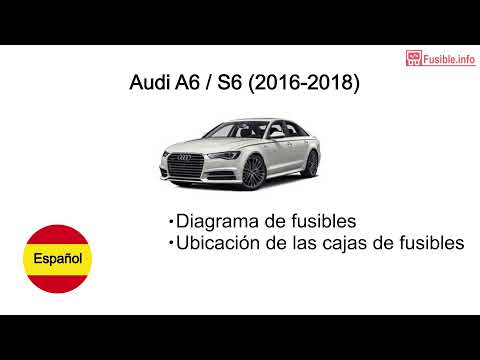
All the fuses of the Audi A6 are contained within the appropriate fuse boxes that are installed on the vehicle: in this type of car, it is possible t…
Other guides you may be interested in |
Frequently Asked QuestionsHow to Remove the Instrument Cluster on a Citroen Xsara Picasso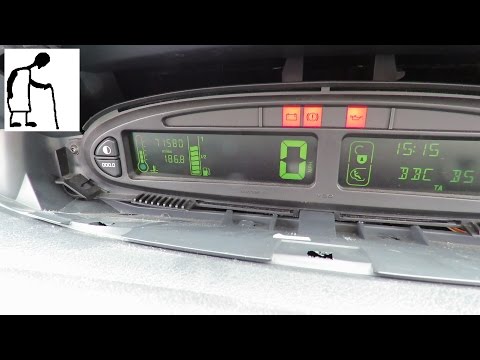
How to remove the instrument cluster located in the centre of the dashboard on a Citroen Xsara Picasso? Follow these steps to disassemble the parts: use a lever to remove the plastic covers of the instrument cluster. Unscrew the securing screws located at the sides of the instrument cluster with a screwdriver; after removing the screws, pull the piece out from the dashboard and disconnect the power cable located at the back of the instrument cluster. Fit the new piece or (replace the LEDs/bulbs in the cluster) and reassemble the same. Finally, reverse the assembly steps. by ScegliAuto More videos
|
|
For advertising on this site Write to info@scegliauto.com
ScegliAuto is not responsible for any inaccuracy of the data in the lists. To report any inaccuracy or your business (if you own the business in question), please write to info@scegliauto.com
Number of seconds to generate the page: 0.065
(c) ScegliAuto 2026 - info@scegliauto.com - Privacy policy VAT number: IT01247470535 |
