
|
Do it yourself
| |||
| ||||


Replacing Front Brake Rotors and Pads
Model: Audi A6
C6, MK 3
- Years:
2004, 2005, 2006, 2007, 2008, 2009, 2010, 2011, 2012
Video tutorial
Lift the vehicle on appropriate jack stands and remove the front wheel; disconnect the wear sensor connector, remove the retaining spring, and unscrew the caliper mounting bolts (after removing the protective caps) to take it off; then extract the old pads and remove the caliper bracket and the rotor retaining bolt, taking it off the hub; clean the hub area of any oxidation residue, apply grease, and install the new rotor after cleaning it from protective oil; reattach the caliper bracket, compress the piston using a suitable tool, and install the new pads, securing the caliper in its place and reconnecting the wear sensor connector.
Updated on 14 February 2026 by ScegliAuto
Related tutorials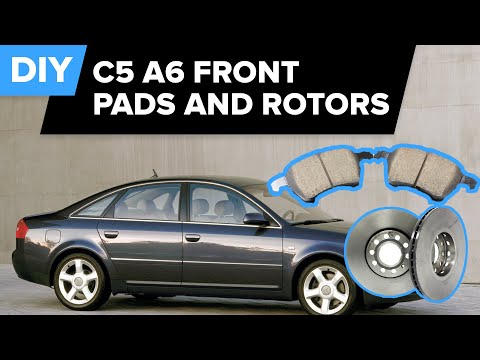
Audi A6
(1997-2004 /
MK 2, C5)
A mechanic demonstrates how to remove and replace the brake discs and pads. He shows the vehicle already lifted with the wheels removed.
In this vid…
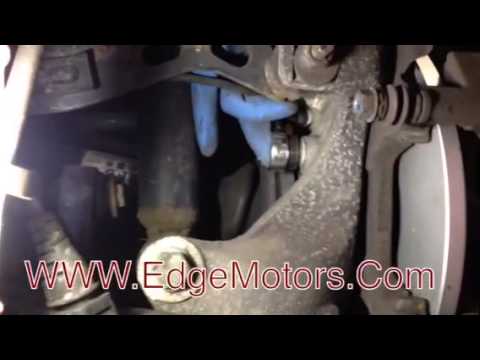
Audi A6
(2004-2012 /
C6, MK 3)
Replacing the brake pads is a fairly simple task. For the rear brake, compared to the front, it requires removing the wheel for better access. The pr…
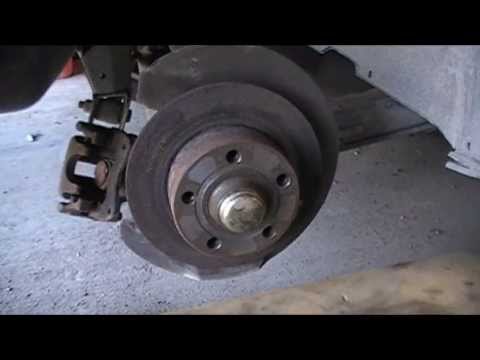
Audi A6
(1994-1997 /
C4, MK 1)
Loosen the wheel nuts and lift the vehicle securely. Remove the bolts and take off the wheel. Unscrew the two retaining screws of the caliper and rem…
Other guides you may be interested in
|
How to Reset the AdBlue Warning Light on a Peugeot Boxer
To reset the AdBlue system on a 2018 Peugeot Boxer, follow these steps: Start the engine and ensure the vehicle is parked in a well-ventilated area. Locate the "MENU" button on the dashboard or steering wheel controls. Press and hold the "MENU" button until the menu options appear on the display. Use the arrow buttons or scroll wheel to access the "Vehicle Settings" or "Settings" menu. Select the "AdBlue" or "AdBlue System" option. Look for the "Recharge" or "Reset" option in the AdBlue menu. Once you find the reset option, select it and confirm your choice when prompted. The system will be reset, and a confirmation message may appear on the display. Turn off the engine and wait a few seconds. Restart the engine and check that the AdBlue system has been reset. by ScegliAuto More videos
|
|
For advertising on this site Write to info@scegliauto.com
ScegliAuto is not responsible for any inaccuracy of the data in the lists. To report any inaccuracy or your business (if you own the business in question), please write to info@scegliauto.com
Number of seconds to generate the page: 0.028
(c) ScegliAuto 2026 - info@scegliauto.com - Privacy policy VAT number: IT01247470535 |
