
|
Do it yourself
| |||
| ||||


To reset the MMI system on an Audi A3.
Model: Audi A3
8Y, MK 4
- Years 2020-2026
The Audi MMI (Multi Media Interface) system is a useful and highly effective system: it simplifies audio controls, vehicle settings, and navigation, all under a common interface, reducing the number of control buttons. It supports Bluetooth for both Android and Apple phones, offering many hands-free applications. Unfortunately, it tends to have a black screen often, while still functioning perfectly. How to overcome this issue. The video shows us how. We need to press Menu + the large wheel + the top right button, and the system will reset automatically, as shown in the video.
Posted on 2 July 2023 by ScegliAuto
Video tutorial
Related tutorials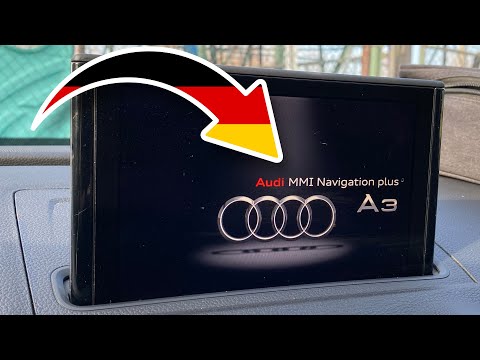
Audi A3
(2012-2019 /
8V, MK 3)
In this tutorial, we can see how to reset the multimedia system MMI in the Audi A3, an extremely simple and fast operation to be performed, for examp…
Audi A3
(2012-2019 /
8V, MK 3)
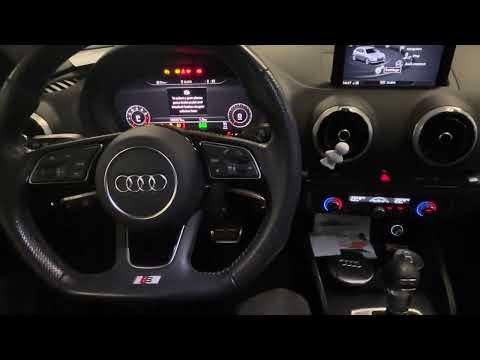
In the Audi A3, it is possible for the MMI multimedia system to freeze and display various signs of malfunction. In these cases, we can try to solve …

Audi A3
(2012-2019 /
8V, MK 3)
Resetting the MMI is extremely difficult to do on your own, as it requires specialized equipment and knowledge of the system. It is therefore necessa…
Other guides you may be interested in
|
Frequently Asked QuestionsReset Service Light on Ligier X TOO
This brief video covers the resetting of the service/maintenance light. Open the driver's door fully. Position the ignition key to the second stage (this does not mean starting the engine, just turning on the dashboard). At this point, simply press the button (see video) and hold it down. The dashboard will turn off, and the button should be pressed until the speedometer lights up again. When the dashboard is back on, the service light will be off. Of course, turning off the service light does not mean you are exempt from performing maintenance on the vehicle. by ScegliAuto More videos
|
|
For advertising on this site Write to info@scegliauto.com
ScegliAuto is not responsible for any inaccuracy of the data in the lists. To report any inaccuracy or your business (if you own the business in question), please write to info@scegliauto.com
Number of seconds to generate the page: 0.052
(c) ScegliAuto 2026 - info@scegliauto.com - Privacy policy VAT number: IT01247470535 |
