
|
Do it yourself
| |||
| ||||


|
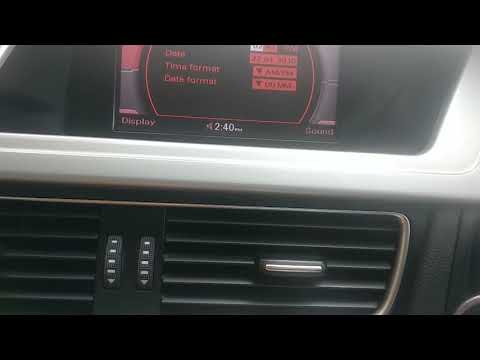
Together with the author of this video tutorial, we can learn how to set the time and date in an Audi A4. This is done through the car radio: after turning it on, you press the "setup" button located on the central dashboard. Using the arrows on the central control panel, you select the various options that you want to modify (time, date, time format, etc.) and adjust them accordingly. Once you have finished making all the necessary changes and settings, simply press the "radio" button to exit the setup mode and continue using your car radio normally.
Posted on 12 August 2023 by ScegliAuto
Video tutorial
Related tutorials
Audi A4
(2004-2008 /
B7)
Below are the necessary instructions that will allow us to adjust the time on the small display of the instrument panel of the Audi A4. First, we get…
Audi A4
(2014-2024 /
B9)
.. The guide shows you how to set the time on the Audi A4. Turn on the instrument panel of the car and press the â € œCARâ € bu.. …

Audi A4
(1994-2000 /
B5)
The instructions in this guide will show us how to change the time on the Audi A4, in simple and quick steps. First, we get into the car and start th…
Other guides you may be interested in
|
How to Use the Radio Navigator of a Hyundai Tucson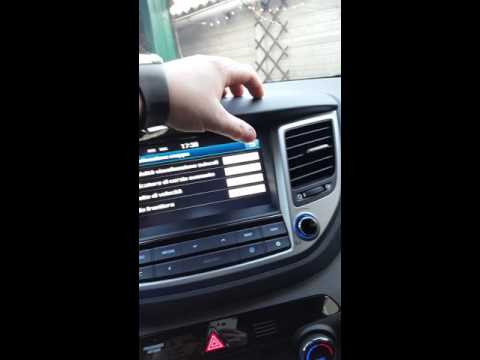
This instructional video demonstrates how to use the navigator and the information from the radio/navigator of the Hyundai Tucson. Pressing the power button on the radio will display the navigator screen with all navigation information. Below the radio display, there are manual control buttons for the stereo (a figurative button where if removed there is the SD card slot and a reset button beside it). The touch navigation screen is clear and very intuitive, easy to use even for watching videos. Always make the necessary settings for the navigator/radio while the vehicle is stationary. by ScegliAuto More videos
|

|
For advertising on this site Write to info@scegliauto.com
ScegliAuto is not responsible for any inaccuracy of the data in the lists. To report any inaccuracy or your business (if you own the business in question), please write to info@scegliauto.com
Number of seconds to generate the page: 0.055
(c) ScegliAuto 2026 - info@scegliauto.com - Privacy policy VAT number: IT01247470535 |
