
|
Do it yourself
| |||
| ||||


|
In this new mini guide dedicated to your Audi A6 third generation (year 2010), we will discover the steps to follow if you want to manually change the system time displayed on the small central display. First of all, insert the key and turn on the instrument panel. Immediately after, press the "Setup" button located below the gear lever and select the "Time" option. Finally, select the hours and then the minutes, and rotate the knob to change the displayed numbers. Once you have set the correct time, exit the menu and you're done.
Posted on 22 November 2023 by ScegliAuto
Video tutorial
Related tutorials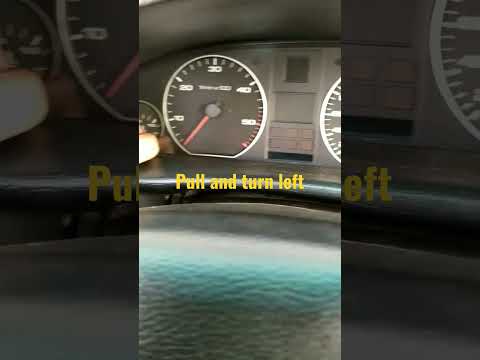
Audi A6
(1994-1997 /
MK 1, C4)
To change the displayed time on your Audi A6 c4 (year 1994-1997), simply follow this simple procedure that takes only a few seconds to complete corre…

Audi A6
(2004-2012 /
MK 3, C6)
Today in this short video we are going to see how to replace the position light bulb on our Audi A6, it is not a very complex operation, just be care…

Audi A6
(2011-2018 /
C7, MK 4)
In this tutorial we can see how to adjust the time in the Audi A6, an extremely simple and quick operation, to be carried out for example after the s…
Other guides you may be interested in
|
How to Clean the Injectors on BMW 3 Series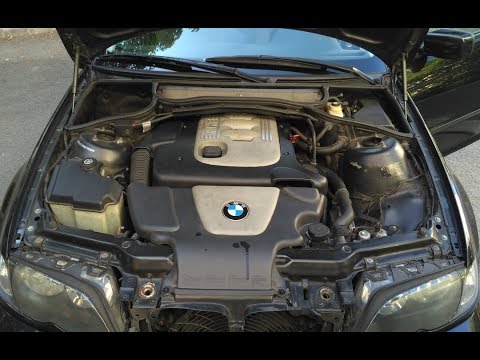
Let's see how to clean the injectors on BMW 3 Series with the appropriate cleaning kit. Lift the hood and secure it with the prop rod, then disconnect the fuel supply hose that leads to the injectors. Connect the pressure gauge and the cleaning kit to the fuel lines; start running the cleaning fluid from the previously connected kit through the fuel lines of the injectors (repeat this process several times). Disconnect everything and start the engine. Reinstall the fuel line leading to the injectors after cleaning them of any dirt and deposits. by ScegliAuto More videos
|
|
For advertising on this site Write to info@scegliauto.com
ScegliAuto is not responsible for any inaccuracy of the data in the lists. To report any inaccuracy or your business (if you own the business in question), please write to info@scegliauto.com
Number of seconds to generate the page: 0.099
(c) ScegliAuto 2026 - info@scegliauto.com - Privacy policy VAT number: IT01247470535 |
