
|
Do it yourself
| |||
| ||||


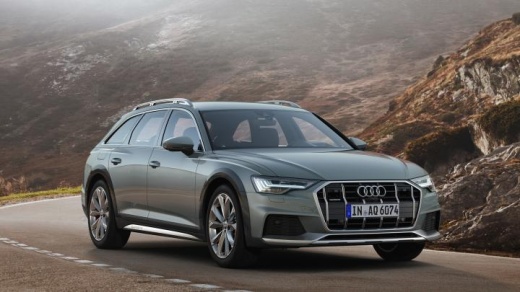
How to Reset the TPMS Light on an Audi A6
Model: Audi A6
MK 5, C8
- Years:
2018, 2019, 2020, 2021, 2022, 2023, 2024, 2025, 2026
Video tutorial
When the TPMS light comes on in an Audi A6 C8, it means you need to adjust the tire pressure to ensure safe vehicle operation. After inflating the tires according to the instructions on the sticker located on the driver's side door, proceed to reset the light. To perform the reset, turn on the ignition and press the HOME button to access the vehicle settings. Scroll through the menu and select "Service and Other Settings," then choose "TPMS RESET." Turn off the ignition and then turn it back on to complete the reset.
Updated on 18 October 2026 by ScegliAuto
Related tutorials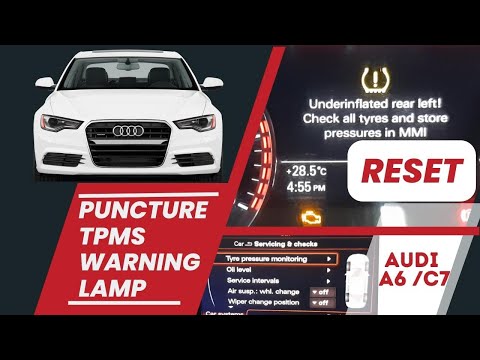
Audi A6
(2011-2018 /
C7, MK 4)
To reset the tire pressure monitoring system (TPMS) light on the Audi A6 MK7, follow these steps: turn on the ignition and the vehicle's onboard comp…

Audi A6
(2011-2018 /
C7, MK 4)
In this video we can see how to reset the TPMS of the MMI on the Audi A6 version C7, but it works on most high-end Audis. The tires are set correctly…
Audi A6
(2011-2018 /
C7, MK 4)
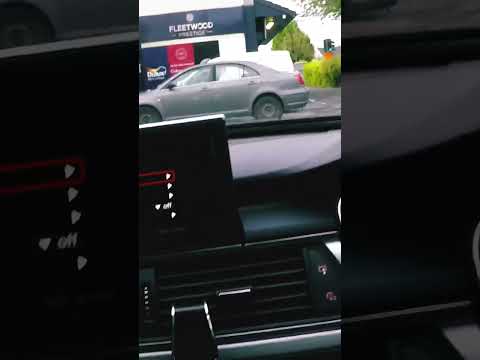
You can reset the tire light on the Audi A6 mk7, produced from 2011 to 2018, using the monitor in the vehicle. After checking the tire pressure, proc…
Other guides you may be interested in |
How to reset the tyre pressure warning light on the Dacia Sandero?
The tyre pressure warning light that appears on the instrument cluster of the Dacia Sandero can be reset by inflating the tyres until they reach the correct pressure value: this value is indicated on the sticker attached to the driver’s door pillar. Once the inflation is complete, navigate through the menu that appears on the instrument cluster to find the option related to the tyres: select this with the OK button, which should then be held down for a few seconds to completely turn off the light. by ScegliAuto More videos
|
|
For advertising on this site Write to info@scegliauto.com
ScegliAuto is not responsible for any inaccuracy of the data in the lists. To report any inaccuracy or your business (if you own the business in question), please write to info@scegliauto.com
Number of seconds to generate the page: 0.024
(c) ScegliAuto 2026 - info@scegliauto.com - Privacy policy VAT number: IT01247470535 |
