
|
Do it yourself
| |||
| ||||


How to Replace the Clutch Discs on the Beta RR 300
Model: Beta Rr 300
Video tutorial
This guide provides instructions to remove and replace the clutch discs on the Beta RR 300 enduro bike. First, remove the clutch cover by unscrewing the fixing screws; then unscrew the screws of the clutch pack, subsequently removing all the discs as shown in the video. At this point, install the new clutch, alternating between the cork discs and the metal discs; then reassemble the clutch pack and reinstall the transmission cover, following the video tutorial to the end!
Updated on 28 July 2026 by ScegliAuto
Related tutorials
Rr 300
You can replace the flywheel on the Beta RR 300 by loosening the screws that secure the clutch cover: this can then be completely removed from its se…
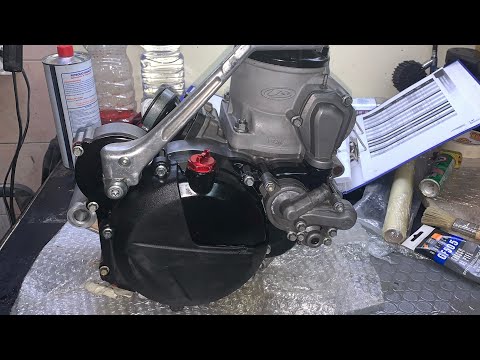
Rr 300
To dismantle the engine of the Beta RR 300, loosen the bolts securing the engine block in its housing and extract it completely. You will also need t…
Rr 300
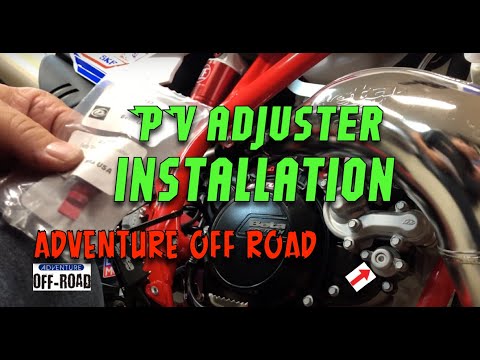
To install the manual valve adjuster on the Beta RR 300, remove the valve cover located immediately next to the clutch casing on the right side of th…
|
How to replace the air filter in a Suzuki Burgman scooter?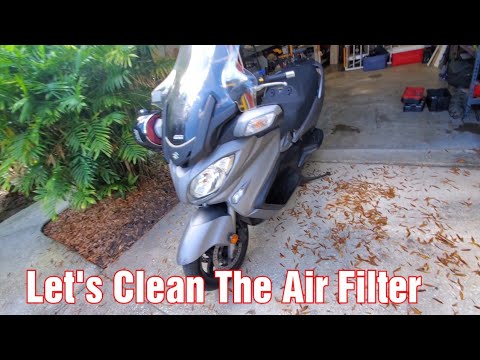
As we can see in this tutorial, replacing the air filter in the Suzuki Burgman 650 scooter is an extremely simple and quick operation. Before proceeding, ensure the engine is completely cold for safety. Start by opening the small glove compartment located under the handlebars, then remove the panel on the opposite side. Next, unscrew the 4 screws indicated with a simple cross-head screwdriver, remove the relay box, and extract the filter from the housing using pliers. Once the replacement is inserted, you can follow the reverse procedure to reassemble everything. by ScegliAuto More videos
|
|
For advertising on this site Write to info@scegliauto.com
ScegliAuto is not responsible for any inaccuracy of the data in the lists. To report any inaccuracy or your business (if you own the business in question), please write to info@scegliauto.com
Number of seconds to generate the page: 0.006
(c) ScegliAuto 2026 - info@scegliauto.com - Privacy policy VAT number: IT01247470535 |
