
|
Do it yourself
| |||
| ||||


BMW BMW Various - Instrument clusterInstrument Cluster BMW BMW Various ( / ) BMW BMW Various
 How to Remove the Instrument Cluster from a BMW Z1 Below are the instructions that will allow you to remove and replace the instrument cluster of the BMW Z1. First, get into the vehicle and start unscrewing the …Read all… Posted on 11 May 2026 by ScegliAuto  BMW BMW Various
 What are CC-ID codes and how to obtain them on a BMW vehicle First of all: what are CC-ID codes? They are a set of unique identifiers associated with electronic components of the vehicle. They allow for precise …Read all… Posted on 9 August 2024 by ScegliAuto 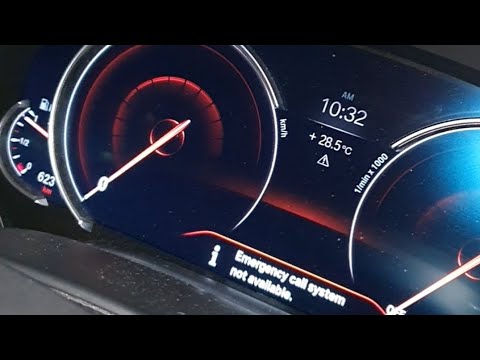 BMW BMW Various
 Emergency Call Message Not Available in BMW: What to Do In this video, see what to do if the message appears on the instrument cluster of your BMW indicating that the emergency call is not available: you will need …Read all… Posted on 10 September 2026 by ScegliAuto 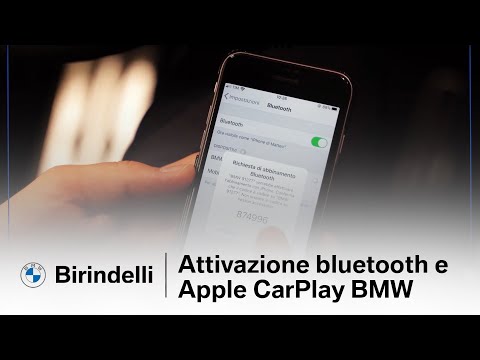 BMW BMW Various
 How to activate Bluetooth and Apple CarPlay on a BMW In this video, learn how to activate Bluetooth and Apple CarPlay on a BMW vehicle: first, enable Bluetooth on your mobile phone, then go to the vehicle and …Read all… Posted on 3 September 2026 by ScegliAuto  BMW BMW Various
 How to Restart the IDrive Navigation System on a BMW In this video, learn how to restart the IDrive navigation system on your BMW: perhaps your navigator is frozen, or the LCD screen has gone dark. In any case, …Read all… Posted on 21 July 2026 by ScegliAuto 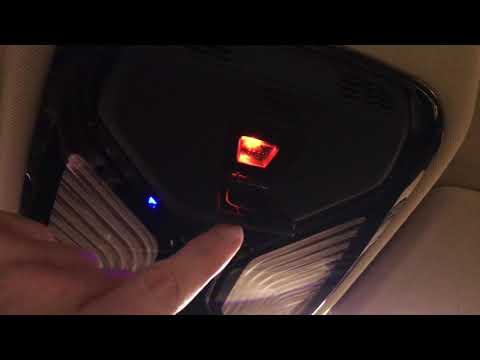 BMW BMW Various
 How to Use the SOS Button in BMW Cars Learn how to use the SOS button in BMW cars: the button is located in the central overhead console and is protected by a cover to prevent accidental use. This …Read all… Posted on 19 September 2026 by ScegliAuto  BMW BMW Various
 How to Set Up Android Auto on a BMW First, download the Android Auto app from your Android smartphone, then activate Bluetooth and search for your device from the car's communication menu: mobile …Read all… Posted on 6 September 2026 by ScegliAuto Airbag (2) Antenna (2) Air conditioning (1) Car stereo (2) Battery (6) Transmission (6) Body (6) Key (37) Trunk lock (1) Timing belt (7) Onboard computer (12) Checks and maintenance (23) Headlight (1) Fog lights (1) Air filter (1) Parking brake (2) Grille (1) Fuel injectors (1) Headlight bulb (1) Antifreeze coolant (1) Handle (1) Engine (2) Starter motor (1) Clock (4) Brake pads (3) Shift knob (3) Pump (1) Fuel pump (1) Instrument cluster (7) Radiator (1) Wheel (1) Fuse box (1) Seat (3) Door lock (1) Brake system (1) Suspension system (1) Side mirror (2) Rearview mirror (1) AdBlue warning light (2) Warning light – error code (23) (4) Tire pressure warning light (3) Service warning light (7) Manufacturer emblem (2) Fuel cap (5) EGR valve (1) Steering wheel (1) |
How to Reset the Tyre Pressure Light on the Opel Grandland X
While driving, if you notice the tyre pressure warning light coming on, first check the actual inflation pressure of the tyres and, if necessary, restore the pressures recommended by the manufacturer. After restoring the correct pressures, you need to reset the warning light that has illuminated on the instrument cluster. To do this, locate the reset button on the lower central console. Press this button and hold it down for at least 3 seconds, after which the low pressure indication will turn off. by ScegliAuto More videos
|
|
For advertising on this site Write to info@scegliauto.com
ScegliAuto is not responsible for any inaccuracy of the data in the lists. To report any inaccuracy or your business (if you own the business in question), please write to info@scegliauto.com
Number of seconds to generate the page: 0.008
(c) ScegliAuto 2026 - info@scegliauto.com - Privacy policy VAT number: IT01247470535 |
