
|
Do it yourself
| |||
| ||||


How do you reset the Service indicator light on the BMW X3?
Model: BMW X3
MK 1, E83
- Years 2003-2010
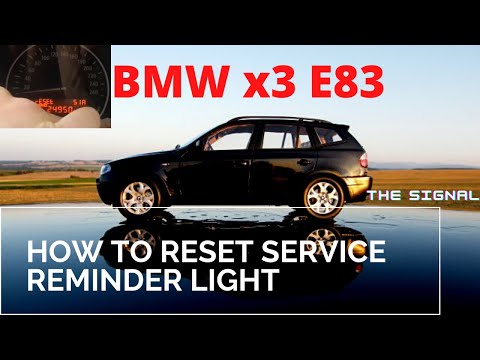
The Service indicator that appears on the instrument panel of the BMW X3 can be reset by turning on the instrument panel with the appropriate button and then holding down the central button of the instrument panel. After a few seconds, the oil icon and the remaining kilometers until the next service will appear on the instrument panel: once the icon is displayed, you will need to continue holding down the button in the center of the instrument panel. A loading screen will appear on the display, at the end of which the indicator will have been reset. After the reset, you can check that this has been done correctly by turning off and turning on the instrument panel.
Posted on 26 May 2025 by ScegliAuto
Video tutorial
Related tutorials
BMW X3
(2010-2017 /
MK 2, F25)
In order to reset the Service light of the BMW X3, you need to turn on the instrument panel by inserting the key and pressing the appropriate button …
BMW X3
(2003-2010 /
MK 1, E83)
To reset the Service light on the BMW 3 Series, press and hold the button located on the left side of the instrument cluster, just below the tachomet…

BMW X3
(2003-2010 /
MK 1, E83)
To completely remove the Service indicator from the instrument panel of the BMW X3, you will need to press and hold the button located on the left si…
Other guides you may be interested in |
How to replace the horn on a Renault Duster - Dacia Duster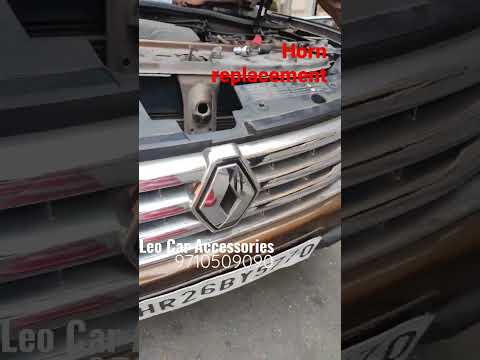
Today's main instructions will show you the procedure for removing and replacing the horn or sound signal on the Renault Duster, as well as the Dacia Duster. First, open the bonnet of the vehicle and start removing the front bumper by unscrewing all the fixing screws; you will find the horn right in front of the radiator, as shown in the video. At this point, disconnect the electrical connector and unscrew the bracket screw to remove and replace the horn with the new one; finally, reassemble the front bumper! by ScegliAuto More videos
|

|
For advertising on this site Write to info@scegliauto.com
ScegliAuto is not responsible for any inaccuracy of the data in the lists. To report any inaccuracy or your business (if you own the business in question), please write to info@scegliauto.com
Number of seconds to generate the page: 0.052
(c) ScegliAuto 2026 - info@scegliauto.com - Privacy policy VAT number: IT01247470535 |
