
|
Do it yourself
| |||
| ||||


How to reset the service in the BMW 1 Series?
Model: BMW Serie 1
F20, MK 2, F21
- Years 2011-2019
In the BMW 1 Series, after all scheduled maintenance work has been carried out, the relevant warning lamp must be reset manually. In this tutorial we can see how to proceed. First we turn on the instrument panel and, in the event that a screen other than the main one appears, press the left button, located under the speedometer. Once this is done, we press and hold the same button to enter the service section. At this point, let's go to the maintenance in question and keep the button pressed for a few seconds, and then confirm the reset.
Posted on 9 September 2022 by ScegliAuto
Video tutorial
Related tutorials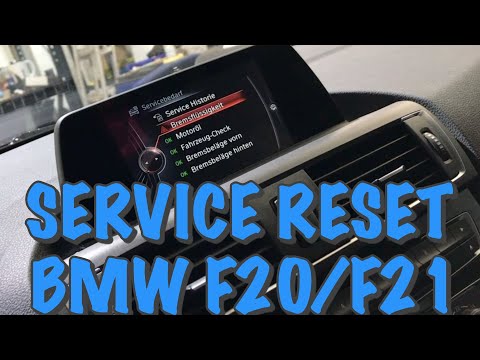
BMW Serie 1
(2011-2019 /
F20, MK 2, F21)
In today's video you can find out how to reset the service of the BMW 1 Series F20. This procedure also applies to other contemporary models of the B…
BMW Serie 1
(2004-2013 /
E82, E81, E87, MK 1)
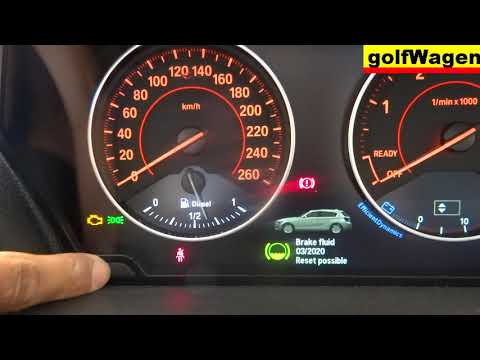
Before we can start, we will have to make sure that the service has actually been carried out, and then go and sit on the driver's seat of our BMW 1 …
BMW Serie 1
(2004-2013 /
E82, E81, E87, MK 1)
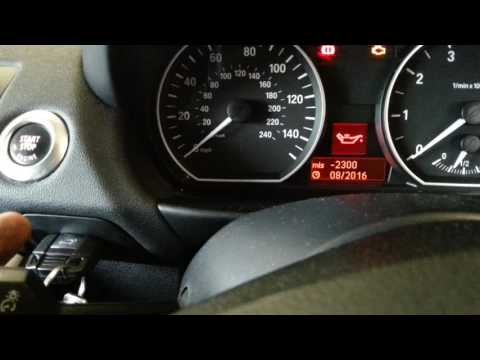
.. In this tutorial we can see how to reset the service in the BMW 1 Series, a very simple and fast operation, to be carried out only.. …
Other guides you may be interested in |
How to Change the Oil in the Transmission of a Volvo XC70
Watch this video to learn how to change the oil in the transmission of a Volvo XC70. Position your car on a column lift and raise it to a comfortable height for disassembly. To change the transmission oil, you need to remove the bolts using a socket spanner. (follow the video) Once the bolts are removed, let the fluid drain into a container. Prepare to refit all the bolts on the transmission with the socket spanner, then top up with the appropriate transmission fluid. Finally, test the correct operation of the transmission. by ScegliAuto More videos
|

|
For advertising on this site Write to info@scegliauto.com
ScegliAuto is not responsible for any inaccuracy of the data in the lists. To report any inaccuracy or your business (if you own the business in question), please write to info@scegliauto.com
Number of seconds to generate the page: 0.049
(c) ScegliAuto 2026 - info@scegliauto.com - Privacy policy VAT number: IT01247470535 |
