
|
Do it yourself
| |||
| ||||


How do you reset the brake wear warning light on the BMW 3 Series?
Model: BMW Serie 3
G20
- Years 2019-2026
In order to reset the brake wear warning light on the BMW 3 Series, you need to turn on the instrument panel, so that you can move between the items in the menu on the on-board computer: in order to scroll through the menu, you will need to use the button located at the end on the left-hand stalk switch. Once the icon of the km to be replaced before the pads appears, you will need to keep the button pressed for a few seconds for the warning light to be reset. To verify that the reset has taken place, it will be possible to switch the ignition off and on again.
Posted on 26 March 2023 by ScegliAuto
Video tutorial
Related tutorials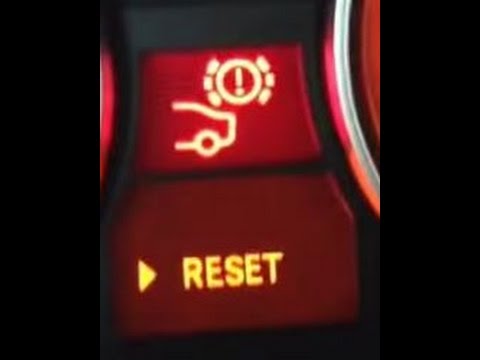
BMW Serie 3
(2005-2013 /
E90, E92, E91)
On the BMW 3 Series, you can reset the brake wear indicator by turning on the instrument panel using the dedicated button located to the right of the…

BMW Serie 3
(2005-2013 /
E90, E92, E91)
It will be possible to completely make the brake wear warning light of the BMW Series 3 disappear by turning on the instrument panel and pressing the…
BMW Serie 3
(2012-2019 /
F30, F31)
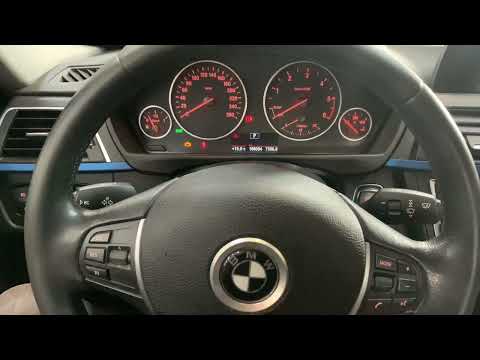
To reset the brake wear indicator light on the BMW 3 Series, you must first replace the brake pads before performing the reset. Then, insert the igni…
Other guides you may be interested in |
Frequently Asked QuestionsHow to Remove the Rear Light on a Fiat Grande Punto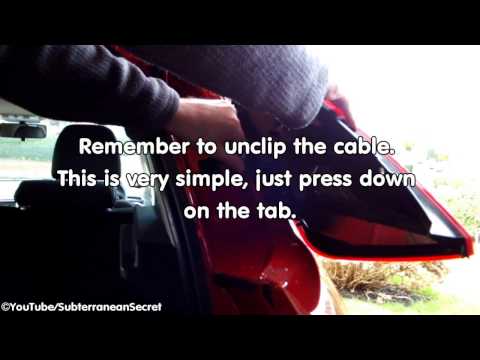
How to remove the rear light on a Fiat Grande Punto? In this guide, learn how to replace damaged bulbs: open the boot lid, unscrew (with a socket spanner or screwdriver with insert) the fastening screws located at the sides of the rear light; once the light is free from any constraints, detach it from the bodywork (disconnect the respective connectors for the bulb power supply). Replace the damaged bulbs with identical size and voltage parts. Finally, refit the rear light and reverse the assembly of the other parts. by ScegliAuto More videos
|
|
For advertising on this site Write to info@scegliauto.com
ScegliAuto is not responsible for any inaccuracy of the data in the lists. To report any inaccuracy or your business (if you own the business in question), please write to info@scegliauto.com
Number of seconds to generate the page: 0.042
(c) ScegliAuto 2026 - info@scegliauto.com - Privacy policy VAT number: IT01247470535 |
