
|
Do it yourself
| |||
| ||||


To reset the service indicator on the BMW 1 Series F20, follow these steps.
Model: BMW Serie 1
MK 2, F20, F21
- Years 2011-2019
In this new guide, we will discover together the steps you need to follow in order to manually reset the service light on your BMW 1 Series F20 (2011-2019) on your own. First of all, enter the car and reach the driver's seat, then start the instrument panel by turning the key to the second position and hold down the small button located in the lower left corner of the dashboard. As soon as the new screen appears on the instrument panel display, release the button and hold it down again until the reset of the light is complete.
Posted on 20 August 2023 by ScegliAuto
Video tutorial
Related tutorials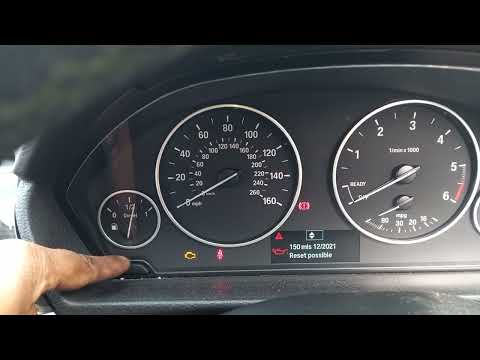
BMW Serie 1
(2011-2019 /
MK 2, F20, F21)
If the service warning light comes on on the instrument panel of your BMW 1 Series F20 (year 2011-2019) and you want to reset it manually, then all y…
BMW Serie 1
(2011-2019 /
MK 2, F20, F21)
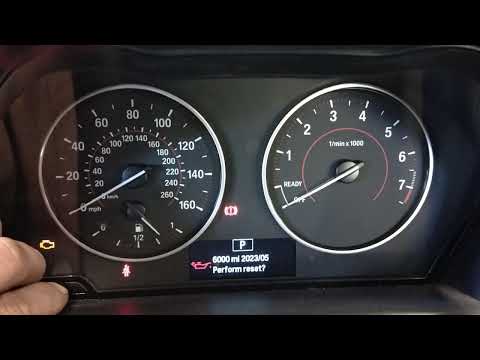
If the orange service light on the instrument panel of your BMW Serie 1 f20 (2013) continues to stay on despite having already had a regular service,…

BMW Serie 1
(2011-2019 /
MK 2, F20, F21)
If you own a BMW 1 Series f20 and want to find out where the OBD port is located so you can connect any compatible diagnostic tool, all you have to d…
Other guides you may be interested in
|
How to Use the Radio Navigator of a Hyundai Tucson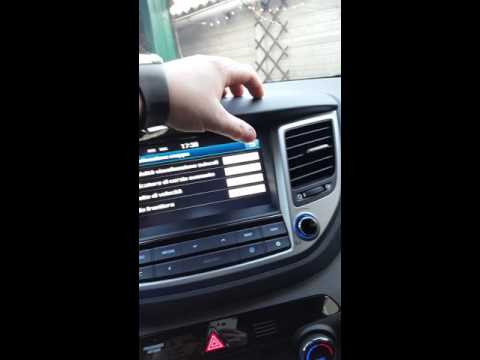
This instructional video demonstrates how to use the navigator and the information from the radio/navigator of the Hyundai Tucson. Pressing the power button on the radio will display the navigator screen with all navigation information. Below the radio display, there are manual control buttons for the stereo (a figurative button where if removed there is the SD card slot and a reset button beside it). The touch navigation screen is clear and very intuitive, easy to use even for watching videos. Always make the necessary settings for the navigator/radio while the vehicle is stationary. by ScegliAuto More videos
|

|
For advertising on this site Write to info@scegliauto.com
ScegliAuto is not responsible for any inaccuracy of the data in the lists. To report any inaccuracy or your business (if you own the business in question), please write to info@scegliauto.com
Number of seconds to generate the page: 0.154
(c) ScegliAuto 2026 - info@scegliauto.com - Privacy policy VAT number: IT01247470535 |
