
|
Do it yourself
| |||
| ||||


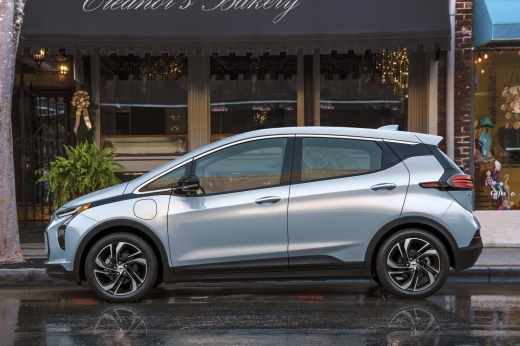
How to Reset the Radio Display in a Chevrolet Bolt EV?
Model: Chevrolet Bolt Ev
MK 1
- Years:
2017, 2018, 2019, 2020, 2021, 2022, 2023, 2024
Video tutorial
The factory-installed radio in the Chevrolet Bolt EV has a reset system that allows you to manually restart the system. How does it work? It's simple, to activate it, press and hold the two buttons shown in the video, which are the home button and the button with the forward arrow. Keep them pressed together for about 5 seconds or a little longer, and you will see the radio display turn black. At this point, you can release the buttons and wait for the reset to complete, resulting in the radio restarting and the display functionality being restored.
Updated on 5 August 2026 by ScegliAuto
Related tutorials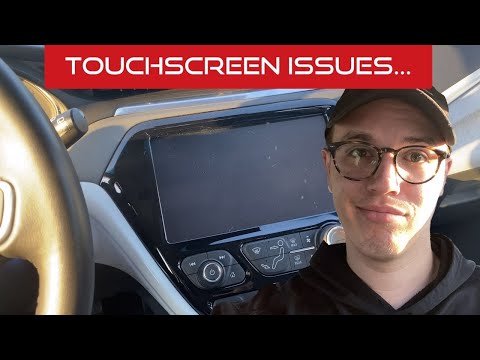
Chevrolet Bolt Ev
(2017-2024 /
MK 1)
The Chevrolet Bolt EV radio may experience software bugs that prevent it from functioning properly, rendering both the display and the touchscreen sy…
Chevrolet Bolt Ev
(2017-2024 /
MK 1)
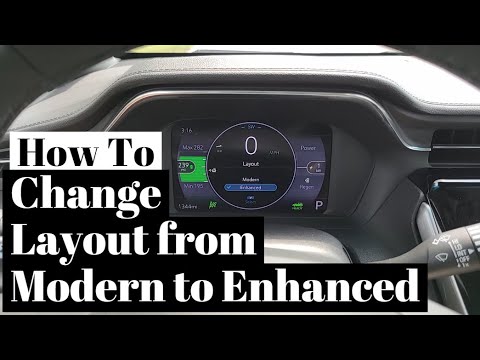
On the Chevrolet Bolt EV, you can change the display layout on the dashboard by choosing between two preset modes: Modern or Enhanced. To do this, en…

Chevrolet Bolt Ev
(2017-2024 /
MK 1)
Sometimes the radio may not function properly due to minor software glitches, or its display may freeze, preventing use. In these cases, you don't al…
Other guides you may be interested in |
How to Set the Time in an Audi A4?
In this tutorial, you will see how to set the time in an Audi A4, a very simple and quick operation to perform after replacing the battery or when the time changes. First, insert the key and turn on the instrument cluster. Then, press the "SETUP" button located on the center console. Next, press the upper left arrow button, navigate to the "Time" option, and use the central knob to adjust the clock. Finally, set any necessary formats and save by returning to the main screen. by ScegliAuto More videos
|
|
For advertising on this site Write to info@scegliauto.com
ScegliAuto is not responsible for any inaccuracy of the data in the lists. To report any inaccuracy or your business (if you own the business in question), please write to info@scegliauto.com
Number of seconds to generate the page: 0.045
(c) ScegliAuto 2026 - info@scegliauto.com - Privacy policy VAT number: IT01247470535 |
