
|
Do it yourself
| |||
| ||||


How to replace the Citroen C4 car radio with an Android unit
Model: Citroen C4 Picasso
MK 2
- Years 2013-2022
In this video, we will see how to replace the original radio of a Citroen C4 Picasso with an Android unit: we will start by removing the radio frame, levering on the sides, then we remove the device by removing the four screws that we have exposed. We extract the radio by disconnecting the electrical connectors, and then remove the dashboard frame to create space; this will no longer be needed. We will have already obtained the new device, choosing it among the thousands that we can find on e-commerce sites; just connect the connectors to the new device, without putting back the old frames. This way the work will be very simple and clean and will take very little time.
Posted on 27 October 2024 by ScegliAuto
Video tutorial
Related tutorials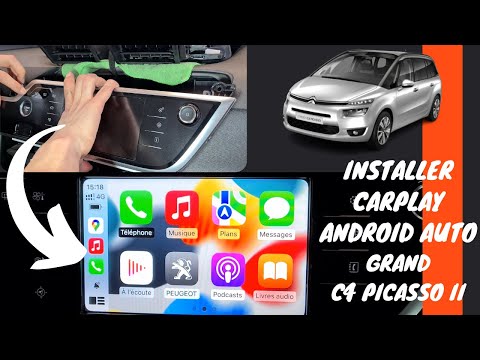
Citroen C4 Picasso
(2013-2022 /
MK 2)
Briefly, we will see the instructions to remove and replace the standard radio with one compatible with Android Auto and Apple CarPlay in the Citroen…

Citroen C4 Picasso
(2006-2013 /
MK 1)
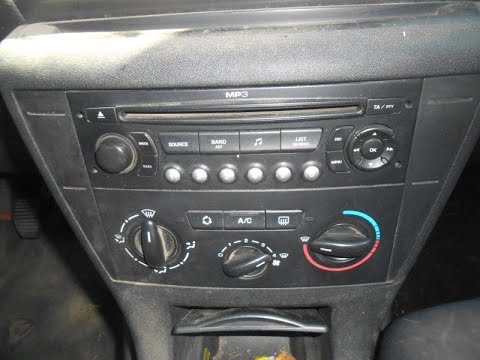
How do you remove the radio from a Citroen C4 Picasso? Follow these steps carefully to perform the removal. Using a plastic or metal prying tool: rem…
Citroen C4 Picasso
(2006-2013 /
MK 1)
Today, in this video tutorial, see how to reset the radio unit on a Citroen C4 Picasso by following the instructions below. First, get in the vehicle…
Other guides you may be interested in
|
Where is the Spare Wheel in the Peugeot 5008?
This video shows where the spare wheel is located in the Peugeot 5008 and how to access it, useful in case of a puncture. As shown, the wheel is not in the usual boot compartment but underneath it, outside the vehicle. To free the wheel, first gather the tools provided, then open the boot, locate the small indicated hatch, and open it. Next, loosen the bolt just released using the large socket wrench enough to lower the wheel to the ground. by ScegliAuto More videos
|
|
For advertising on this site Write to info@scegliauto.com
ScegliAuto is not responsible for any inaccuracy of the data in the lists. To report any inaccuracy or your business (if you own the business in question), please write to info@scegliauto.com
Number of seconds to generate the page: 0.592
(c) ScegliAuto 2026 - info@scegliauto.com - Privacy policy VAT number: IT01247470535 |
