
|
Do it yourself
| |||
| ||||


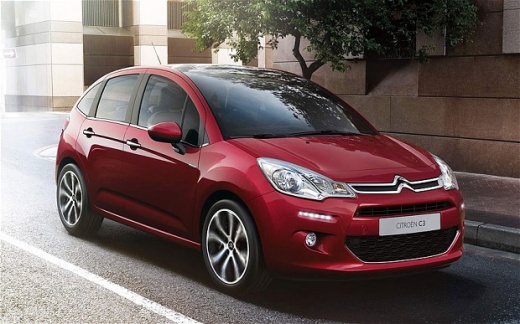
How to Reset the Tyre Pressure Light on the Citroën C3
Model: Citroen C3
SC
- Years:
2009, 2010, 2011, 2012, 2013, 2014, 2015, 2016
Video tutorial
To clear the tyre pressure light from the instrument panel of the Citroën C3, you will need to inflate all four tyres until they reach the correct inflation pressure. To make it disappear, activate the instrument panel and press the MENU button: you will need to navigate the menu using the directional buttons until you select the "Personalisation-Configuration" option using the OK button. After selecting the same button, choose "Define Vehicle Parameters", then "Driving Assistance" and finally "Tyre Inflation". Then, by selecting "YES", the light will completely disappear.
Posted on 17 July 2026 by ScegliAuto
Related tutorials
Citroen C3
(2016-2023 /
SX, SY)
You can reset the tyre pressure warning light that illuminates on the dashboard of the Citroën C3 by inflating the tyres until they reach the correct…
Citroen C3
(2016-2023 /
SX, SY)
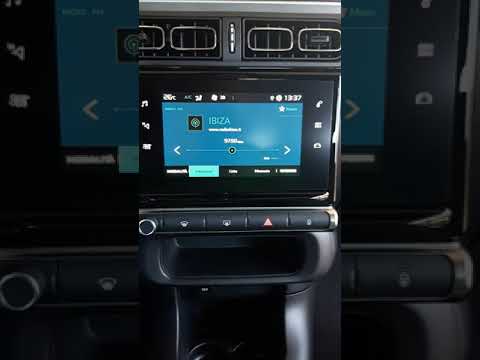
In this short video tutorial, learn how to reset the tyre pressure warning light on a third-generation Citroen C3. Before performing the reset proced…
Citroen C3
(2009-2016 /
SC)
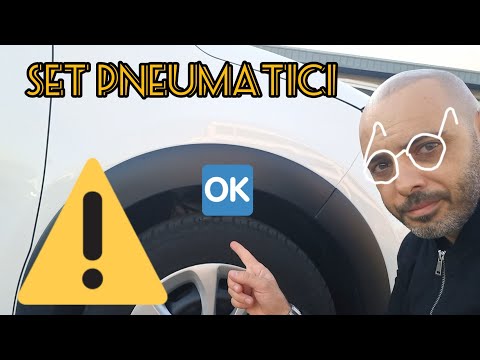
To reset the tyre pressure warning light, follow these steps: First, check for any punctured tyres. If there are none, check the pressure of all tyre…
Other guides you may be interested in |
How to Replace the Cabin Filter on the Ford Puma
To replace the cabin filter on the Ford Puma, detach the small cover located on the left side of the front passenger footwell: once this is removed, loosen the underlying screw so that you can detach the corresponding panel. At this point, locate the filter box underneath, which can be opened to remove the filter inside. The new filter can then be inserted, covering everything with the box and refitting the corresponding panel into its housing. by ScegliAuto More videos
|
|
For advertising on this site Write to info@scegliauto.com
ScegliAuto is not responsible for any inaccuracy of the data in the lists. To report any inaccuracy or your business (if you own the business in question), please write to info@scegliauto.com
Number of seconds to generate the page: 0.062
(c) ScegliAuto 2026 - info@scegliauto.com - Privacy policy VAT number: IT01247470535 |
