
|
Do it yourself
| |||
| ||||


How to Reset the AdBlue Warning Light on a Citroen C4 Picasso?
Model: Citroen C4 Picasso
- Years 2013-2022
If the AdBlue warning light on your Citroen C4 Picasso dashboard is illuminated, it means that the fluid in the emissions system has reached the minimum level and needs to be topped up. This is an extremely simple and quick task; let's see how to proceed in this tutorial. First, purchase a 10-litre canister of urea from an auto parts store, then open the boot, lift the floor panel, and unscrew the cap located to the right of the spare wheel. Next, insert the supplied hose from the canister into the hole and pour in the necessary amount of fluid to reach the maximum level.
Posted on 4 October 2026 by ScegliAuto
Video tutorial
Related tutorials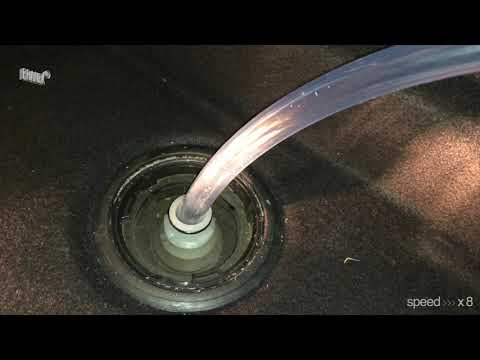
Citroen C4 Picasso
(2013-2022 /
MK 2)
If the AdBlue light has come on in your Citroen C4 Grand Picasso, it means that a low level of the anti-pollution fluid has been detected, which need…

Citroen C4 Picasso
(2013-2022 /
MK 2)
Briefly, we will see the instructions that will allow us to reset the AdBlue refill warning light on the Citroen C4 Picasso 1.6 BlueHDi. First, open …
Citroen C4 Picasso
(2013-2022 /
MK 2)
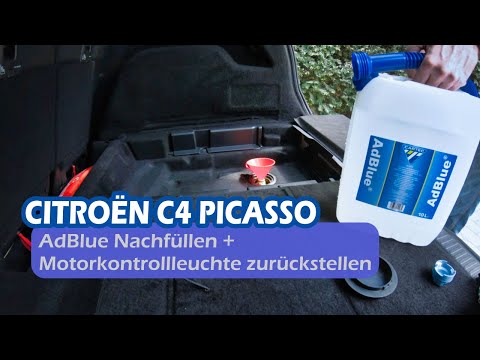
In this video, you will see how to top up AdBlue in the Citroen C4 Picasso after the warning light on the dashboard comes on. The AdBlue tank is loca…
Other guides you may be interested in
|
Resetting the Tyre Pressure Warning Light on the Hyundai I20
The following instructions will show you how to reset the tyre pressure warning light on the Hyundai I20; before performing the reset, ensure that all four tyres are at the correct operating pressure. Then, get in the vehicle and turn on the ignition; press and hold the TPMS button located on the controls to the left of the steering wheel, as well as on the dashboard, as shown in the video. If the tyre pressures are correct, the warning light will automatically reset on the instrument panel; finally, turn off the ignition and start the engine! by ScegliAuto More videos
|
|
For advertising on this site Write to info@scegliauto.com
ScegliAuto is not responsible for any inaccuracy of the data in the lists. To report any inaccuracy or your business (if you own the business in question), please write to info@scegliauto.com
Number of seconds to generate the page: 0.591
(c) ScegliAuto 2026 - info@scegliauto.com - Privacy policy VAT number: IT01247470535 |
