
|
Do it yourself
| |||
| ||||


How to Reset the Service Light on the Citroen Picasso
Model: Citroen C4 Picasso
MK 2
- Years 2013-2022
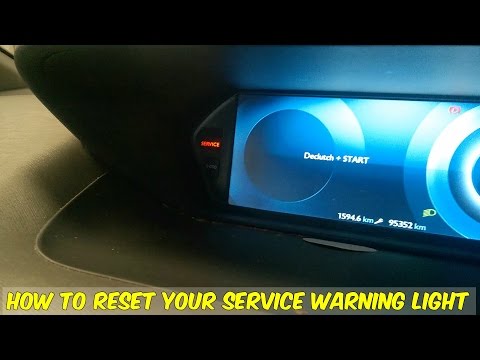
In this video tutorial, you can see how to reset the maintenance light on the Citroen Picasso by following a few simple steps that will guide you step by step towards proper management of your vehicle without necessarily needing the assistance of a qualified technician. First, perform maintenance on the vehicle, then get into your car and engage the handbrake. Turn on the ignition, now press the button with 000 next to the radio on the left, under the service label; hold it down for the duration of the countdown and simultaneously press the START AND STOP button. Reset completed.
Updated on 15 June 2026 by ScegliAuto
Video tutorial
Related tutorials
Citroen C4 Picasso
(2013-2022 /
MK 2)
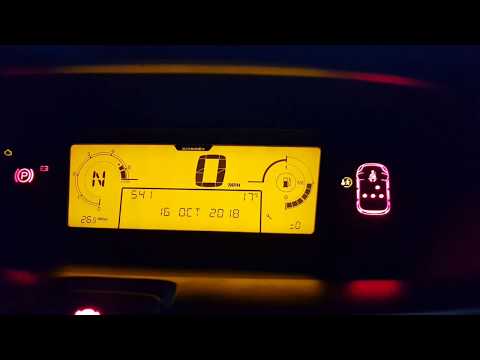
This brief video tutorial shows the steps needed to reset the service light on your Citroen C4 Picasso, second generation model produced from 2013 to…
Citroen C4 Picasso
(2006-2013 /
MK 1)
Before you start, ensure that the service has been carried out, then sit in the driver’s seat of your Citroen C4. Begin by pressing and holding the r…
Citroen C4 Picasso
(2013-2022 /
MK 2)
In this video tutorial, you can see how simple it is to reset the service on a Citroen C4 Picasso by following easy steps that will allow you to work…
Other guides you may be interested in
|
Frequently Asked QuestionsWhere is the Spare Wheel in the Peugeot 5008?
This video shows where the spare wheel is located in the Peugeot 5008 and how to access it, useful in case of a puncture. As shown, the wheel is not in the usual boot compartment but underneath it, outside the vehicle. To free the wheel, first gather the tools provided, then open the boot, locate the small indicated hatch, and open it. Next, loosen the bolt just released using the large socket wrench enough to lower the wheel to the ground. by ScegliAuto More videos
|
|
For advertising on this site Write to info@scegliauto.com
ScegliAuto is not responsible for any inaccuracy of the data in the lists. To report any inaccuracy or your business (if you own the business in question), please write to info@scegliauto.com
Number of seconds to generate the page: 0.143
(c) ScegliAuto 2026 - info@scegliauto.com - Privacy policy VAT number: IT01247470535 |
